Meet Character Studio: The Heart of Your AI Anime Universe
Introduction: Your Anime Journey Starts with a Character
In the world of anime, everything begins with a hero. Whether it’s a lone swordsman wandering the mystical forests or a futuristic hacker navigating a neon-lit metropolis, the story is only as compelling as the character at its heart.
At AnividAI, we believe that AI creation shouldn't just be about generating random images—it should be about bringing your unique vision to life. That’s why we’ve completely reimagined our OC Maker into the all-new Character Studio. It’s not just a profile editor; it’s the logical anchor for your entire creative universe.
What is Character Studio?
Character Studio (formerly OC Maker) is a specialized tool designed to help you define, visualize, and manage your Original Characters (OCs).
The biggest challenge in AI art has always been consistency. How do you make sure the character in your illustration looks the same in your animated video? Character Studio solves this by turning your OC into a reusable asset. Once defined, your character’s appearance, personality, and vibe become the "source of truth" that our other tools (like the Anime Generator and Video Generator) reference to keep your creations consistent.
Key Features: The Soul of Your Creation
1. AI Quick Generate: From Spark to Soul in Seconds
Have a vague idea but don't know where to start? Our Quick Generate mode uses advanced LLMs to flesh out a full character profile from a simple sentence.
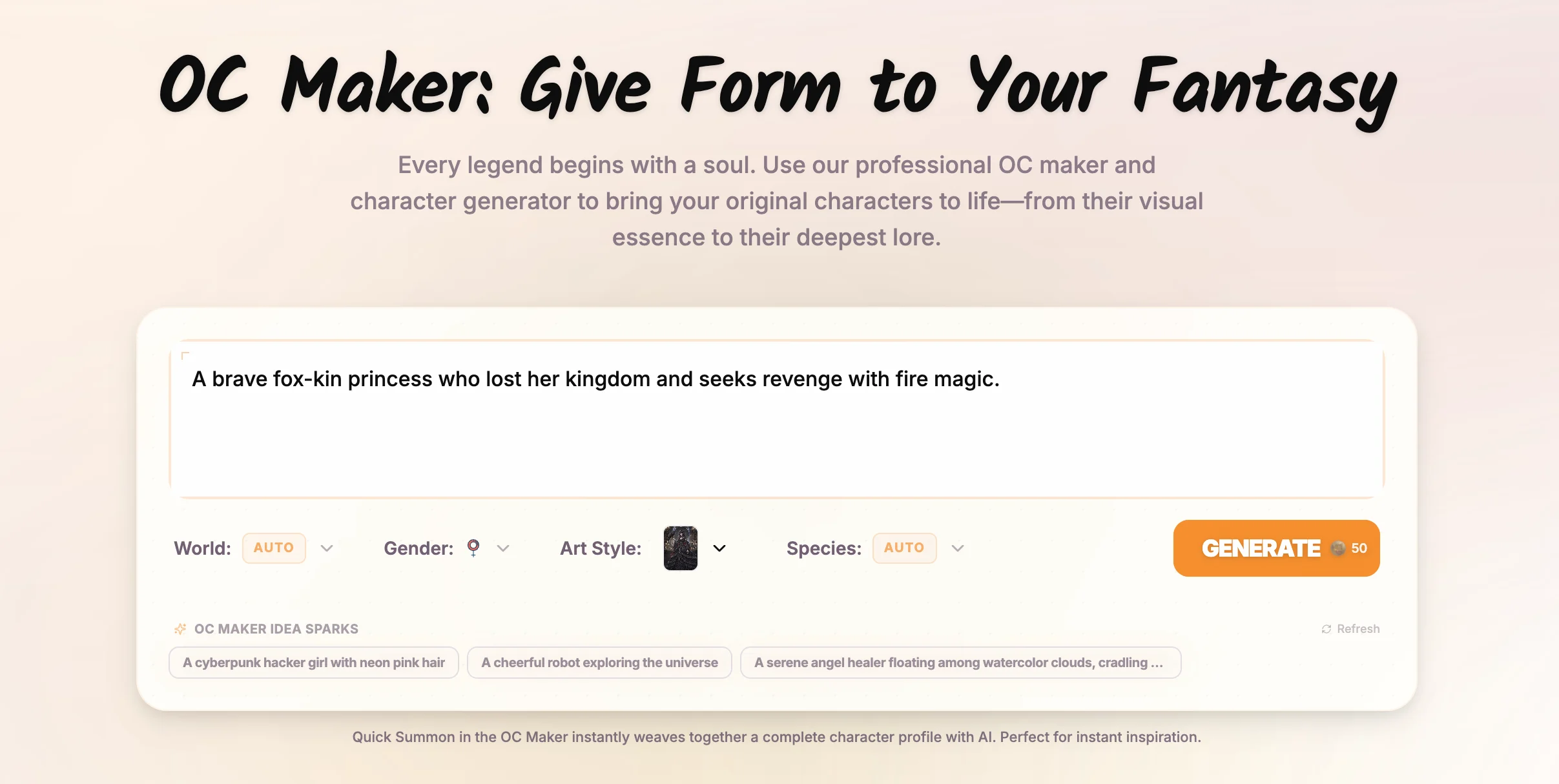
Our AI follows a structured generation process:
- Phase 1: Appearance & Identity: Defines name, age, species, and visual traits.
- Phase 2: Narrative Depth: Crafts a brief introduction and a structured background story.
- Phase 3: Personality & Skills: Assigns unique traits, greeting quotes, and skill sets.
2. The Modular Core: Built for Creative Depth
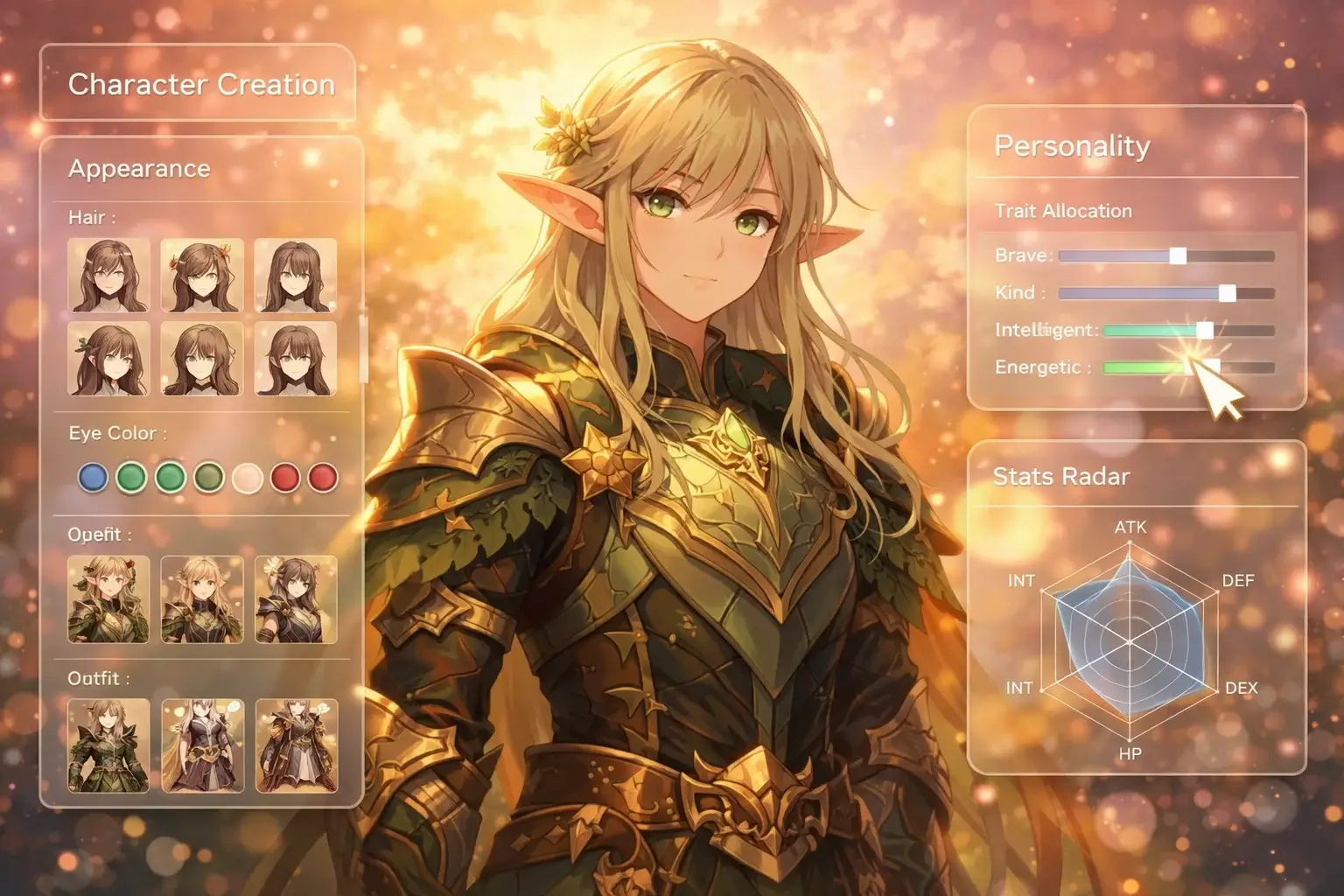
We’ve moved away from flat forms to a Modular System. Your OC is composed of distinct, extensible modules that allow for deep customization:
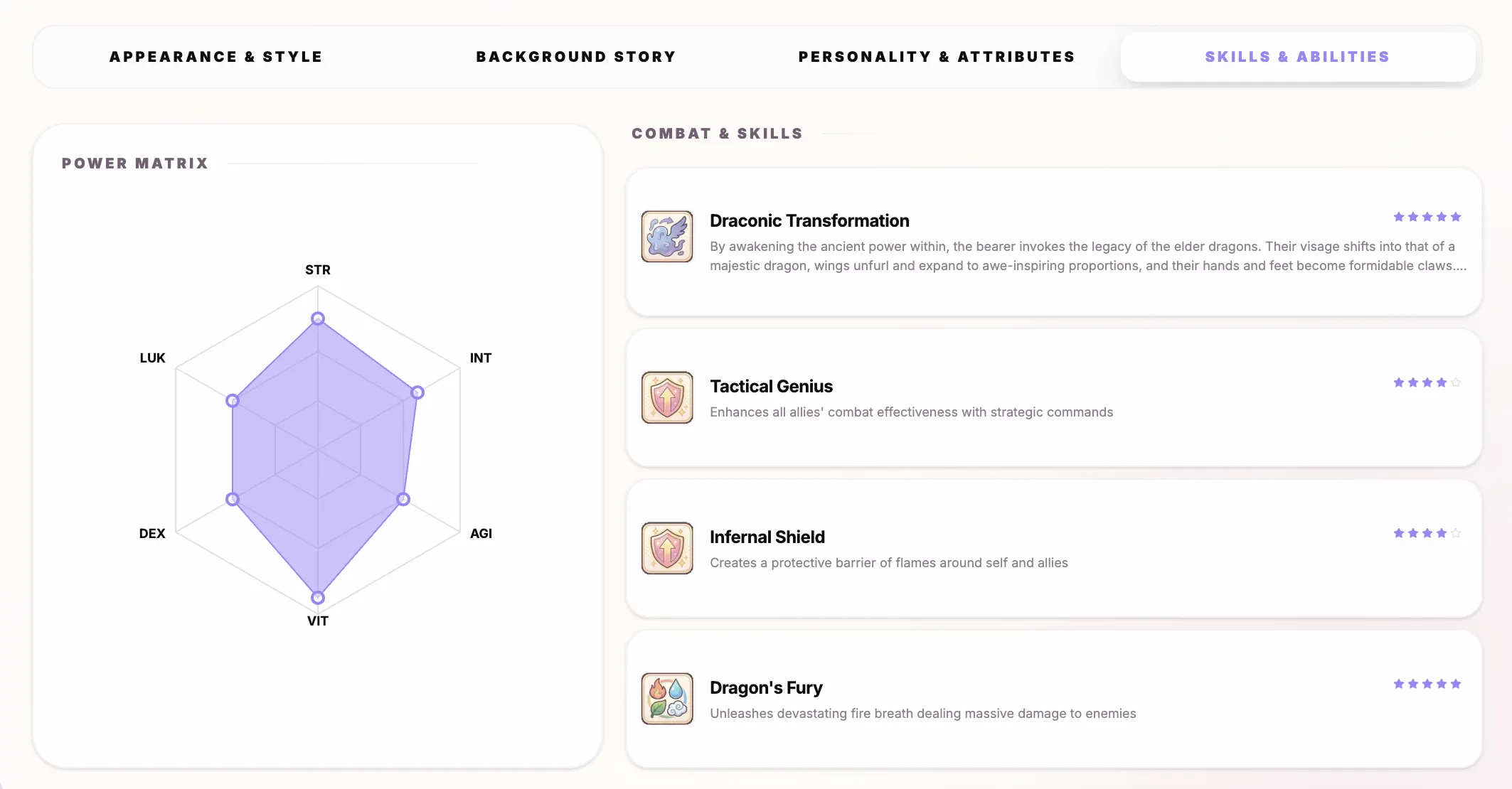
- Appearance: Precise details like eye color, hair style, and outfit style.
- Personality: Tags and "Extended Attributes" (like motivations) that define how they think and act.
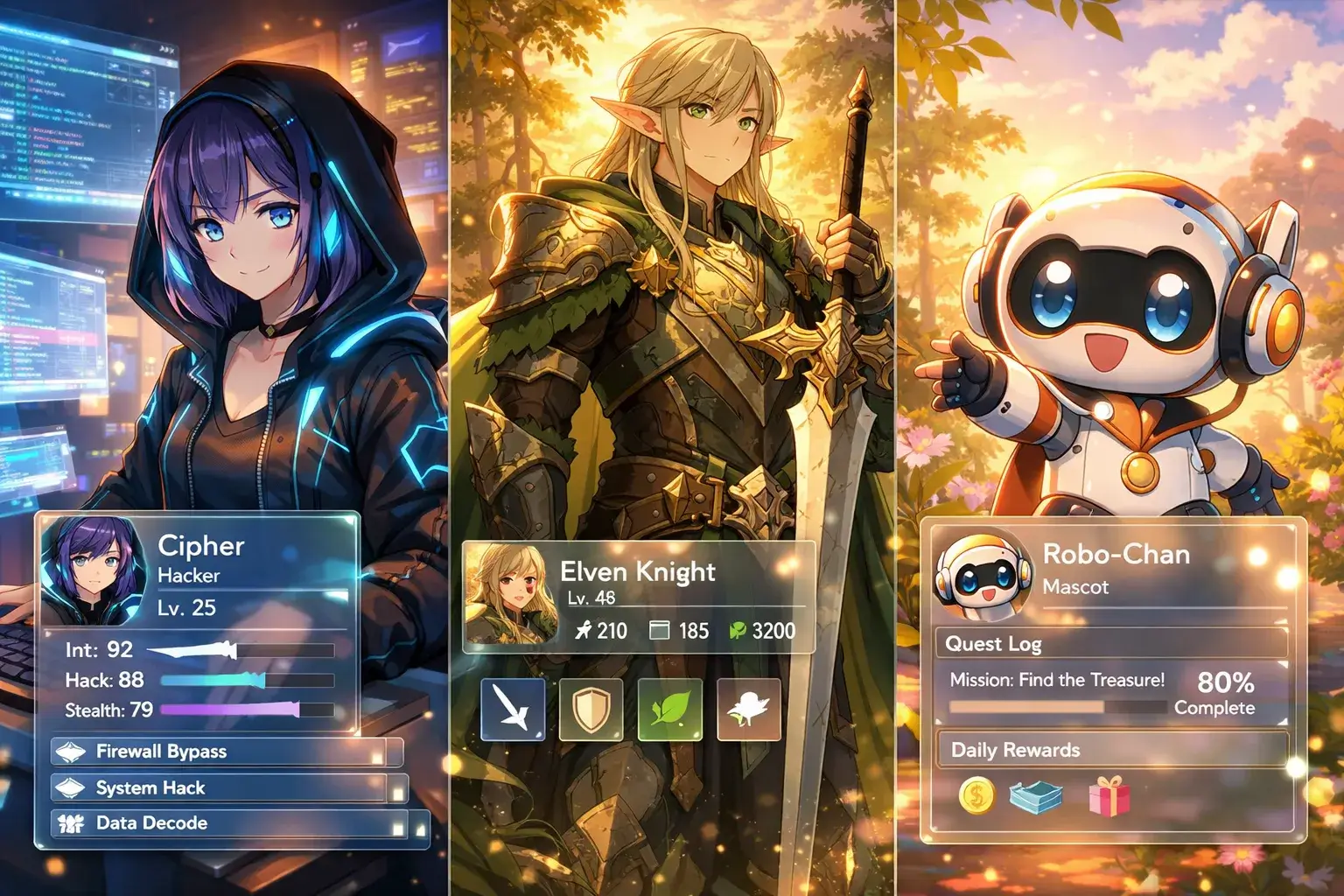
- Skills Radar & Abilities: A visual stat board (STR, INT, AGI, etc.) and a library of specific abilities (Magic, Technological, Physical) with dedicated icons.
- Background Story: A structured timeline to organize their journey.
3. World Integration: Anchor Your Lore
Your characters no longer exist in a vacuum. With World Integration, you can bind your OC to a specific "World." This allows the AI to suggest skills, backgrounds, and personality traits that are consistent with the world's setting, culture, and power system.
4. Visual Consistency: Primary Key Art & AI Avatar
When you create a character, the system doesn't just give you a text profile. It triggers a Full-body Key Art generation.
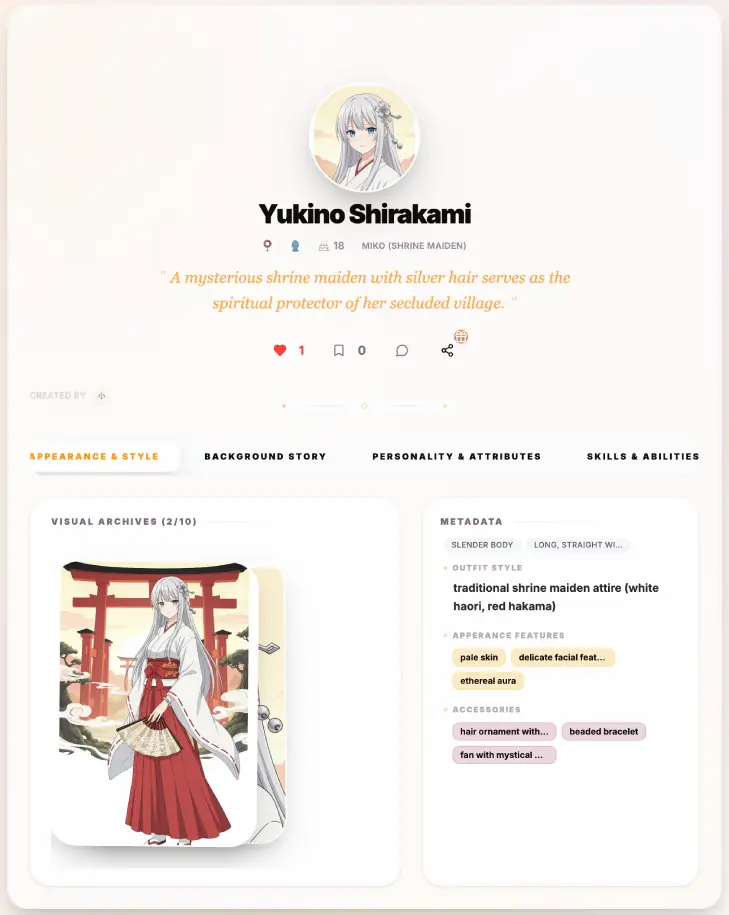
- Full-body Key Art: A high-quality, 2:3 aspect ratio illustration of your OC.
- AI Auto-Avatar: Using the key art as a reference, our AI (powered by Nano-Banana) automatically generates a perfectly framed 1:1 avatar, ensuring your character’s face is consistent everywhere.
5. Free Import: Bring Your Existing OCs Home
Already have OCs stored in notes or other platforms? Our Existing OC Import tool allows you to paste text or upload documents for free. Our dedicated parser intelligently maps your existing lore into the Character Studio modules, preserving years of your creative work.
The Workflow: Create Once, Generate Everywhere
The magic of Character Studio lies in its role as a "Creative Hub":
- The Anchor: Create or import your OC in Character Studio.
- The Illustration: In the Anime Generator, simply tag your OC. The AI injects their visual data into the prompt, maintaining consistency across every piece of art.
- The Motion: Use your OC in the Video Generator to see them move and act while maintaining their signature look.
- The Interaction: Jump into the Chat module. Your OC will respond based on the personality, background, and greetings you’ve defined.
Pro Tips & Usage Suggestions
To get the most out of Character Studio, try these expert techniques:
- Choose a Clear Art Style: Your initial
art_stylechoice sets the visual tone for all future illustrations and videos of that character. - Refine the Skills Radar: Use the Stat Board to define your character's power level. This helps our Story Generator understand how they should handle conflicts in future narratives.
- Leverage World Context: If you have a World defined, always link your OC to it during creation. The AI will draw from the world's "Genre" and "Lore" to make your character feel more grounded.
- Manually Polish the Modules: While AI generation is a great starting point, the most memorable characters are those you've manually tweaked. Refine their "Quotes" and "Appearance Features" for that perfect unique touch.
Conclusion: Build Your World, One Hero at a Time
AnividAI is more than a toolkit—it’s a studio where your imagination takes a physical (and digital) form. Character Studio is the foundation of that experience, ensuring that your heroes stay true to your vision across every medium.
Ready to meet your next favorite hero?
Step into Character Studio and Create Your OC Now →
Last Updated: March 2026
Read More
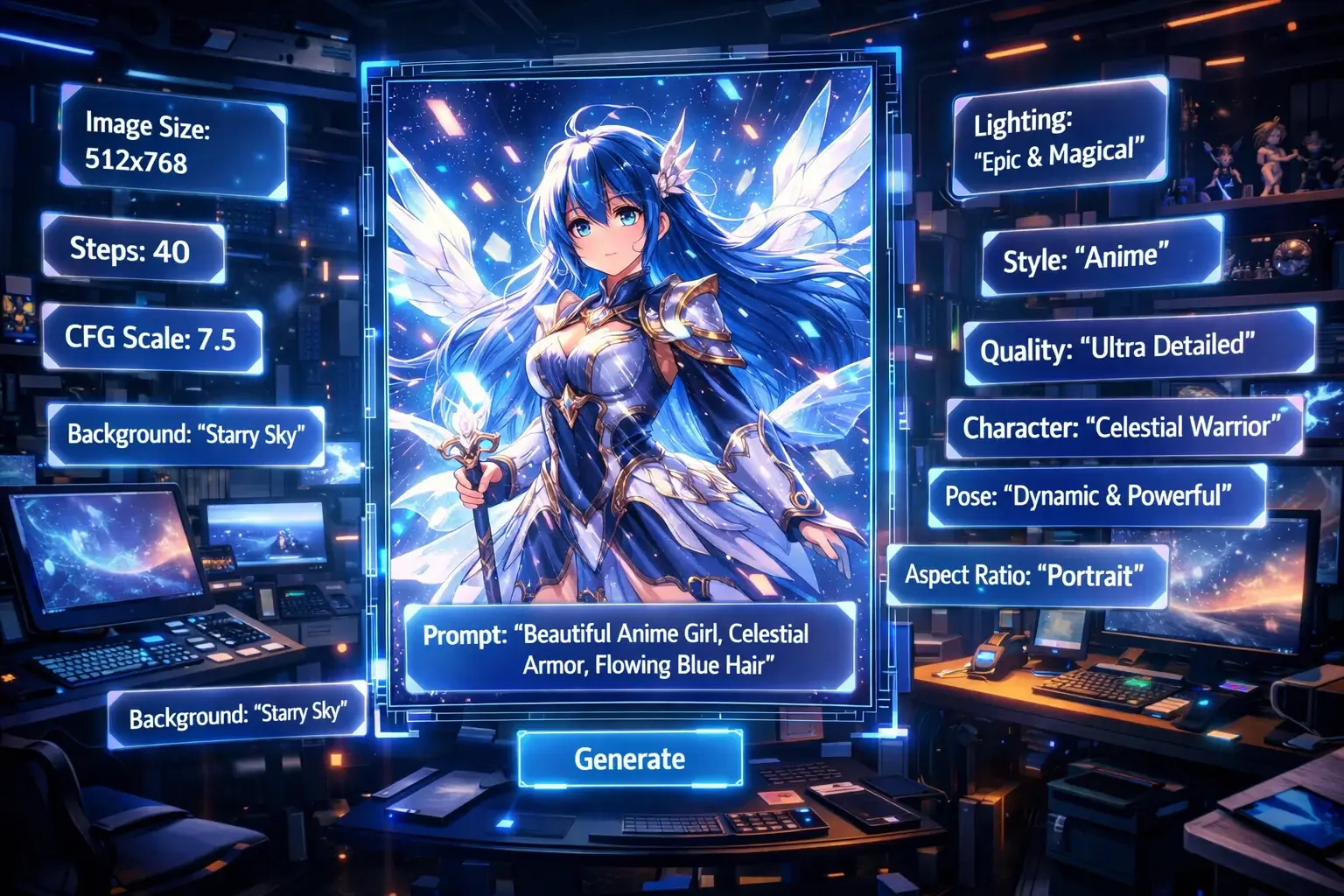
Mastering Anime Art: The Ultimate Guide to AI Generation with AnividAI
Unlock the full potential of AI anime art! Learn how to write perfect prompts, choose the right models, and use AnividAI’s unique Character Studio to maintain perfect consistency. Whether you're a beginner or a pro, this guide will help you create stunning, professional-grade anime illustrations in seconds.
Read More
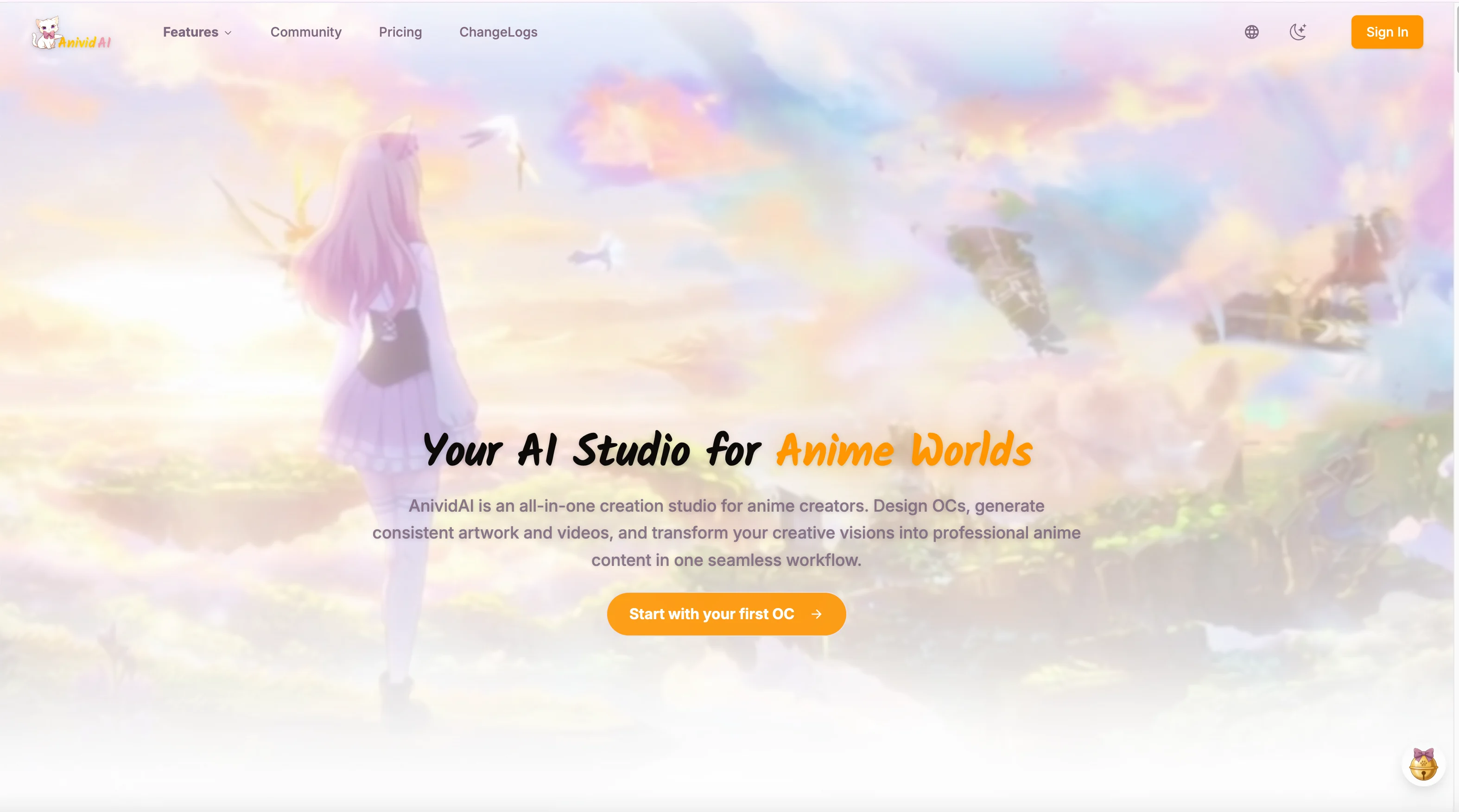
The Ultimate Guide to AnividAI: Your All-in-One AI Anime Studio for Creating OCs, Art, and Videos
Discover AnividAI - the complete AI-powered anime creation platform. Learn to create original characters (OCs), generate anime images and videos, chat with characters, and more. Features, pricing, and workflows explained.
Read More