GPT Image 2

Loading configurations...

Decorative iconOpenAI GPT Image 2 on AnividAI | Premium Image Creation for Anime and Design Workflows

What is GPT Image 2?

GPT Image 2 is an OpenAI image model available through AnividAI for both text-to-image and reference-based image editing workflows. It is a strong fit for anime illustrations, poster concepts, polished key visuals, and revision-friendly creative work where cleaner composition, stronger detail control, and faster iteration matter.

Instant Concept Velocity

Generate presentation-ready anime drafts in seconds when you need to lock a mood, pitch a scene, or test a visual direction fast. It helps you move from a rough idea to a polished concept without losing momentum between rounds.
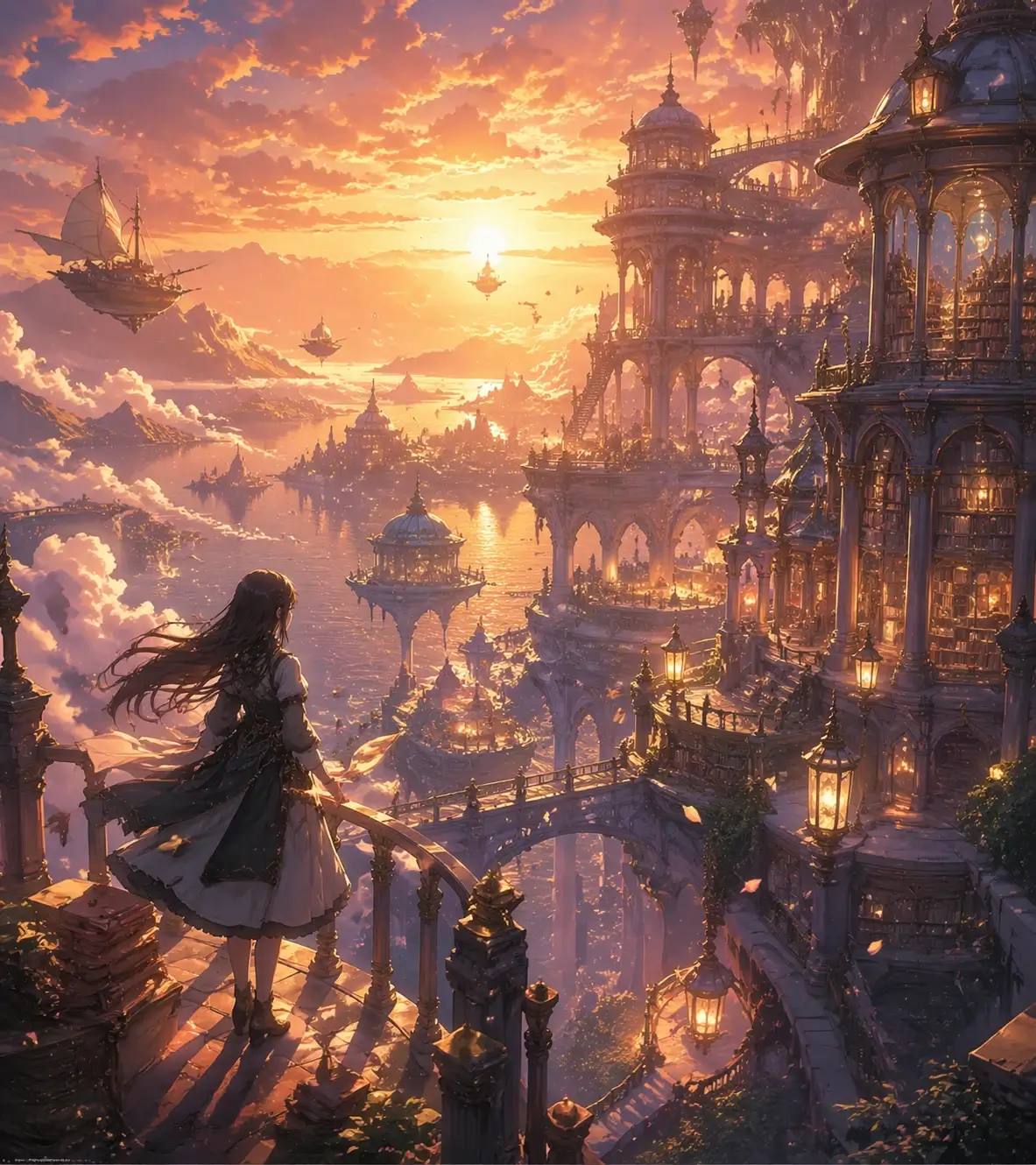
GPT Image 2 dreamy floating library concept illustration

Intent-Preserving Revisions

Refine a favorite image with reference-led edits that respect the original direction instead of replacing it. Adjust styling, framing, lighting, or character details while keeping the core identity of the piece intact.

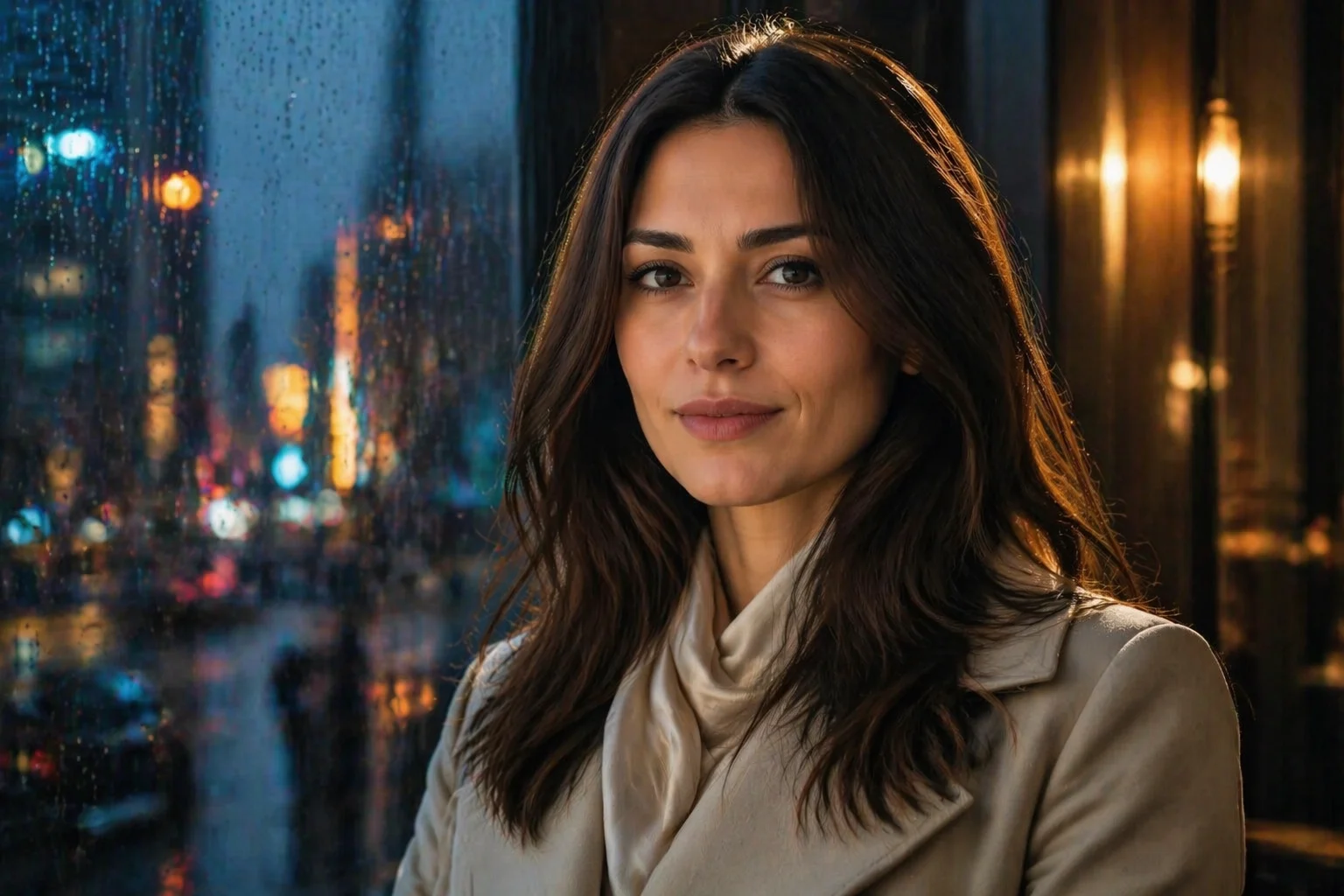
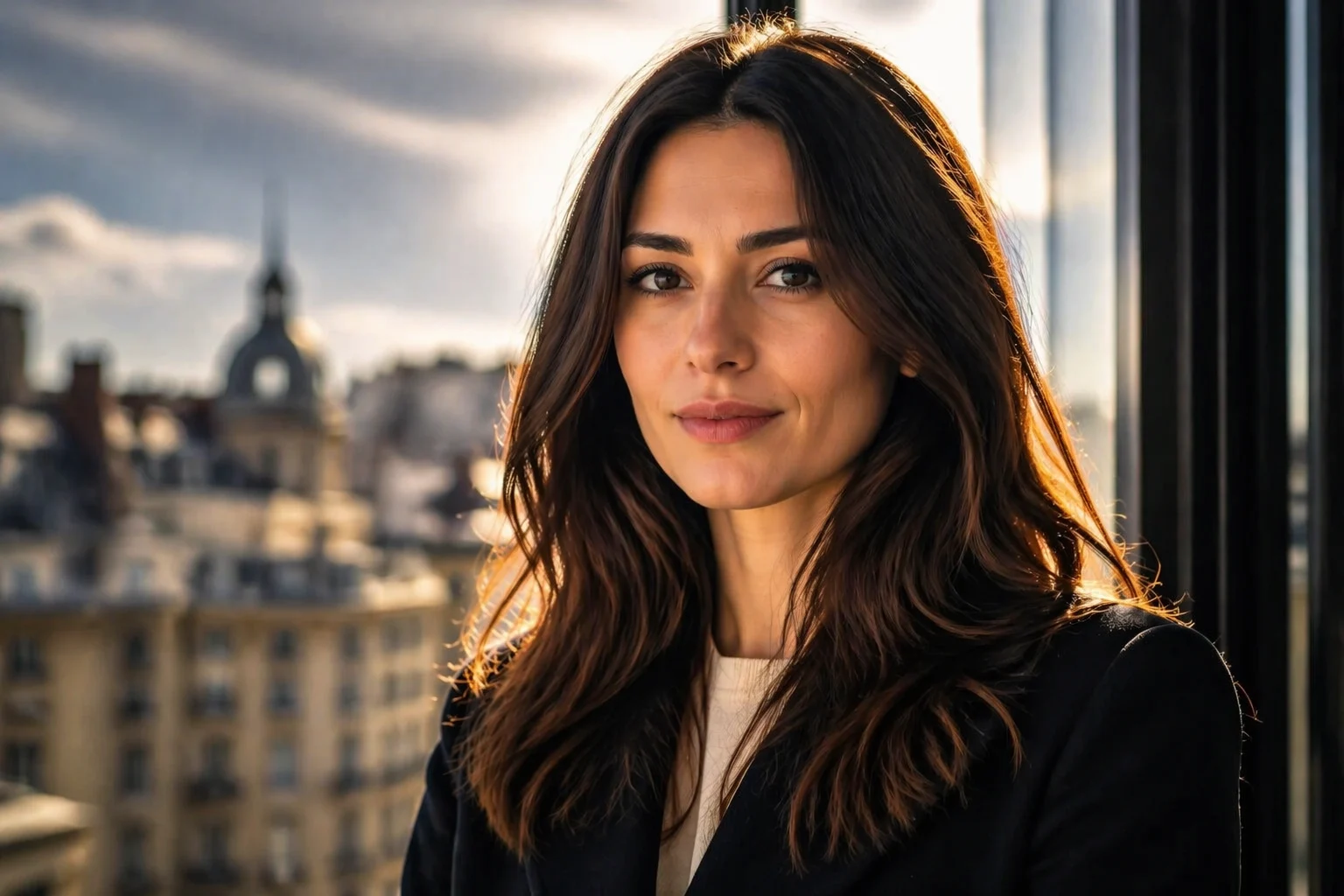
Original photoreal editorial portrait generated with GPT Image 2
Reference-led edit of the same photoreal portrait with changed outfit and rainy evening environment

Studio-Grade Key Visuals

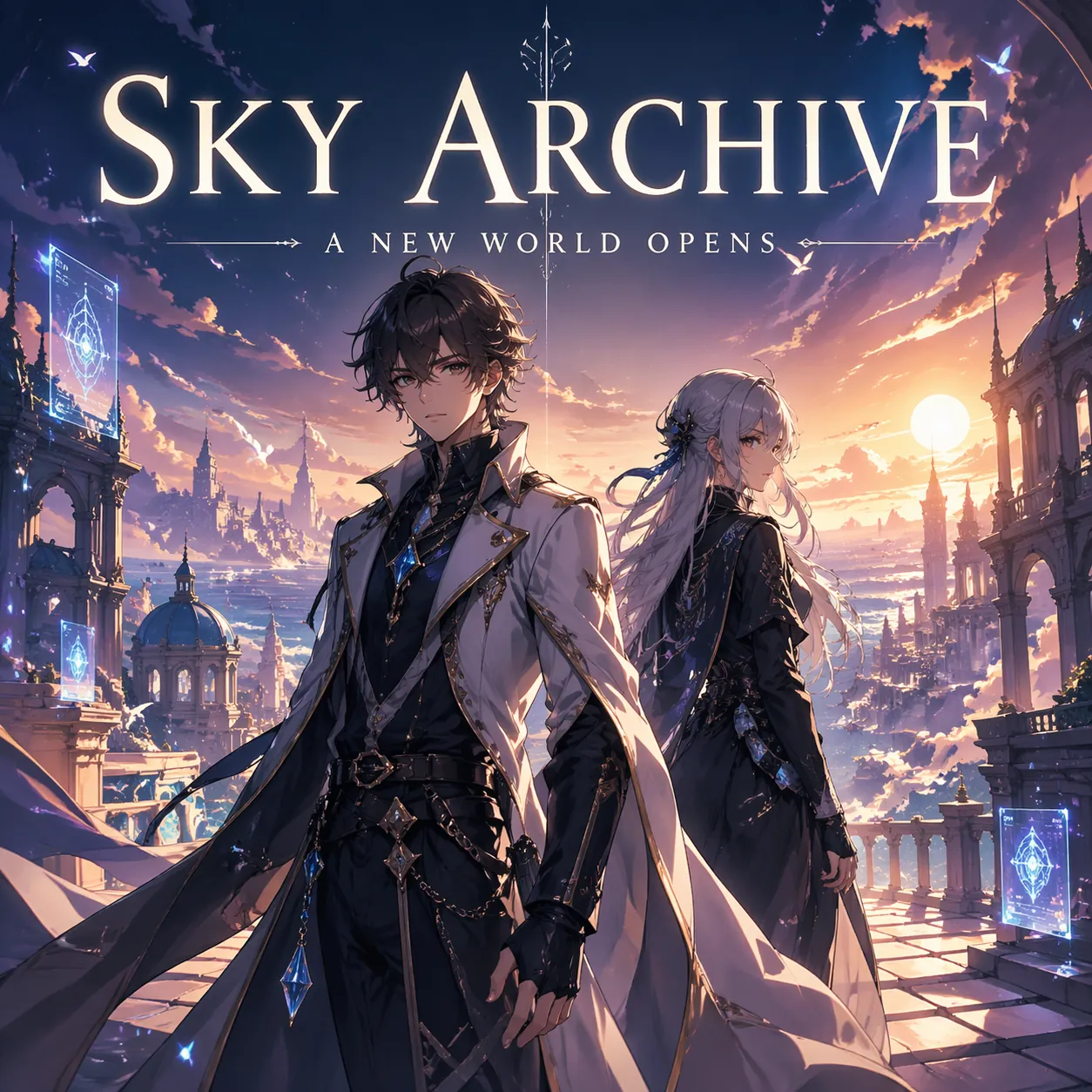
Build posters, launch art, thumbnails, and title cards on top of images that already feel composed for display. The output is especially strong when you need one hero image to carry story, mood, and marketing value at the same time.

GPT Image 2 anime poster with integrated title text for poster and title-card workflows

High-Fidelity Refinement

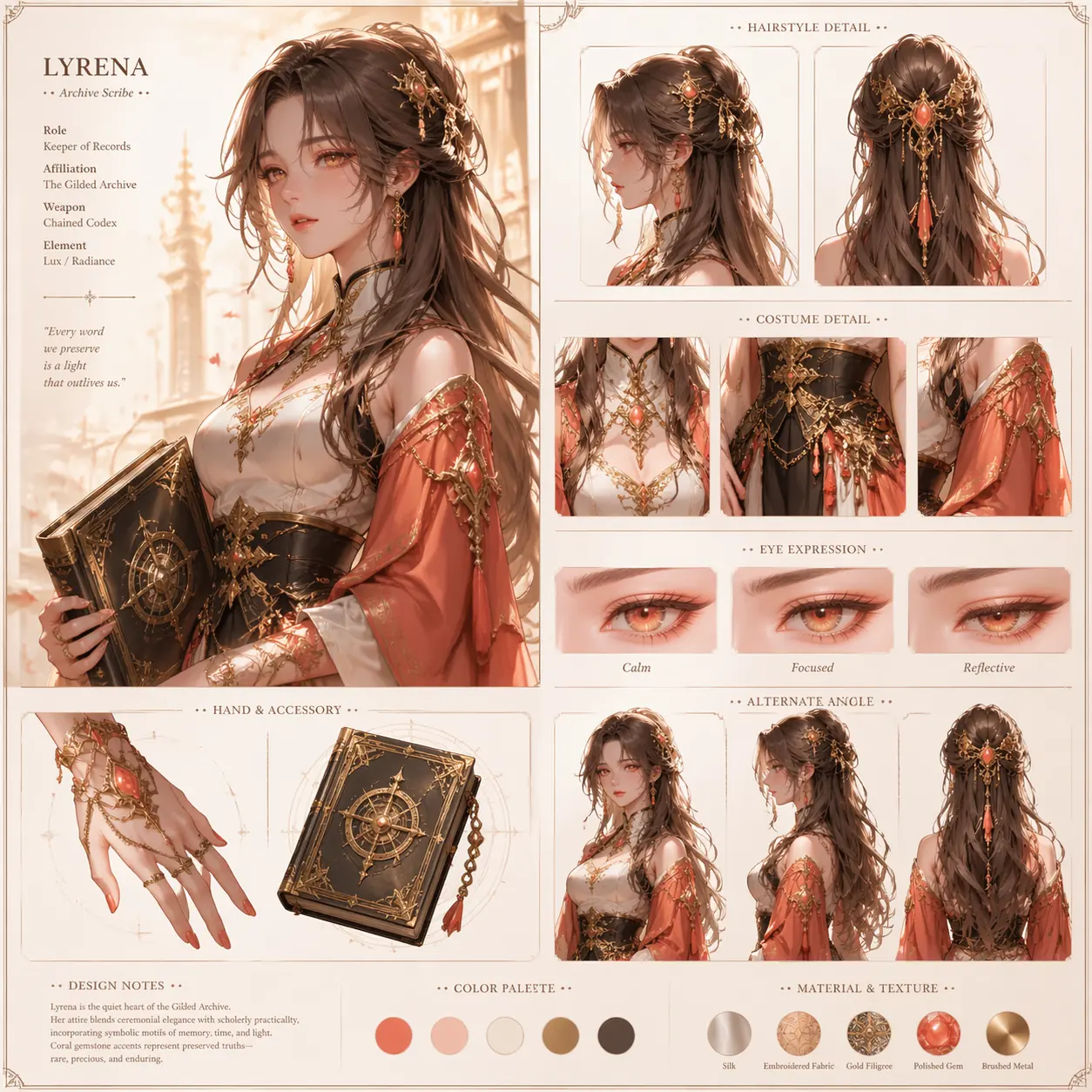
Use image-led generation when character fidelity, costume details, and visual continuity matter across multiple revisions. It is a strong choice for polishing hero art, improving repeatability, and pushing details to a more finished standard.

GPT Image 2 anime character refinement board showing high-fidelity design detail continuity

Use GPT Image 2 in 3 Steps

Start from a prompt or reference image, then iterate toward a cleaner final visual

01

Describe the Image Direction

Write your scene, subject, mood, style, or layout goals in natural language. GPT Image 2 works well for poster-style and design-aware prompts.

02

Add a Reference When Needed

Upload a source image if you want to edit an existing composition, preserve identity, or guide the model toward a clearer result.

03

Generate and Refine

Run the task, review the output, and refine with a new prompt or a stronger reference until the image fits your concept.

Expand Your Anime Creation Toolkit

Explore additional AI-driven features to spark inspiration and elevate your OC anime arts

GPT Image 2 Frequently Asked Questions

Real questions users ask before choosing this model on AnividAI

Is GPT Image 2 an OpenAI model or an AnividAI model?

GPT Image 2 is an OpenAI image model. AnividAI provides access to it inside our own generation workflow, pricing system, and creator tools.

What can I actually do with GPT Image 2 on AnividAI?

You can use it for both text-to-image and reference-based image editing. It is a practical choice when you want to create new visuals from a prompt or refine an existing image with clearer direction.

Can I start from text only, or do I need a reference image?

You can start from text only. If you already have an image and want to keep part of its composition, mood, or identity, you can also upload it as a reference.

Can I use GPT Image 2 to edit an existing image?

Yes. On AnividAI, GPT Image 2 supports reference-led editing, so you can upload an image and describe the changes you want instead of regenerating everything from scratch.

What kinds of projects is GPT Image 2 a good fit for?

It works especially well for anime key visuals, posters, title-card style graphics, polished social visuals, and revision-heavy image work where you want cleaner composition and stronger detail control.

What aspect ratio options are available for GPT Image 2 on AnividAI right now?

At the moment, AnividAI keeps GPT Image 2 on auto ratio only. Additional manual ratio options are not currently exposed for this model in our product.

How much does GPT Image 2 cost on AnividAI?

GPT Image 2 currently costs 50MC per generation on AnividAI.

Start Creating with GPT Image 2

Use premium text-to-image and image-to-image generation on AnividAI with a simple auto ratio workflow.