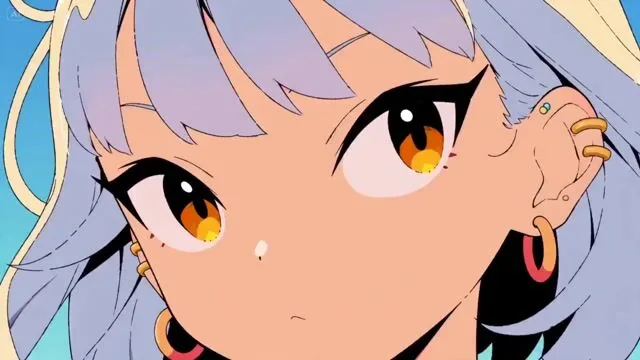
Exaggerated Cartoon Motion for Seedance 2.0
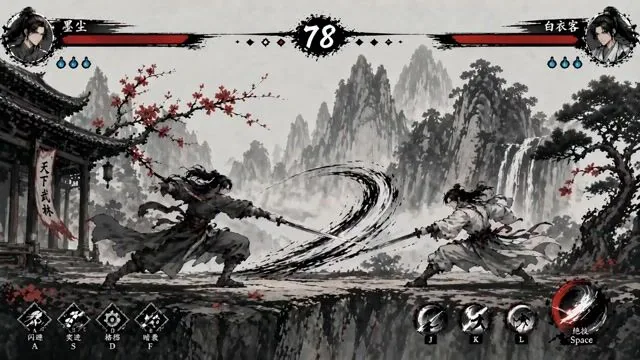
Ink-Wash Fighting Game 15-Second Cinematic
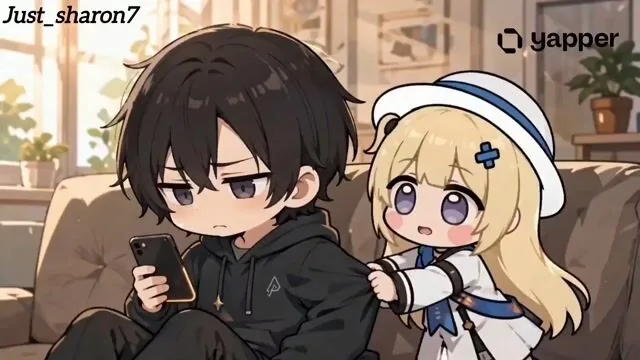
Phoebe Chibi Expressive Animation Sequence
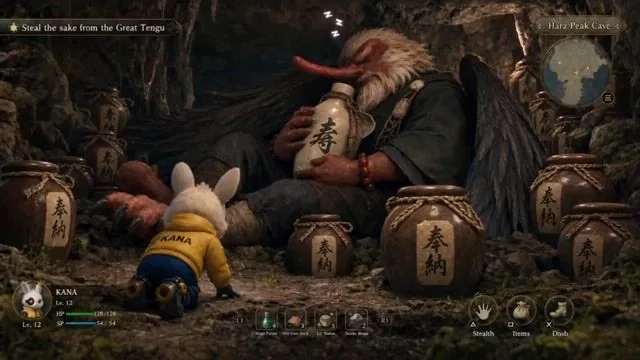
Stealth mini-game heist video prompt
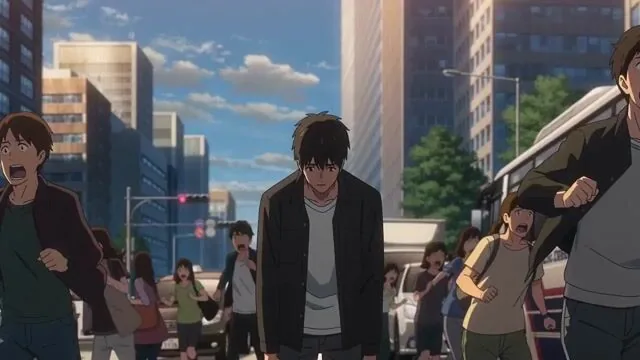
Anime Meteor Apocalypse and Rebirth
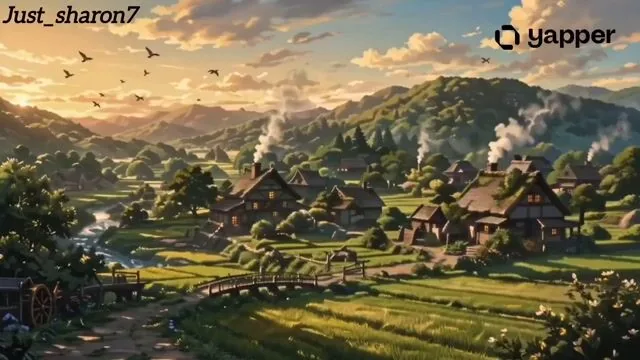
Ghibli-Inspired Animated Short Film
Motion Graphics Intro: Chaos Unit
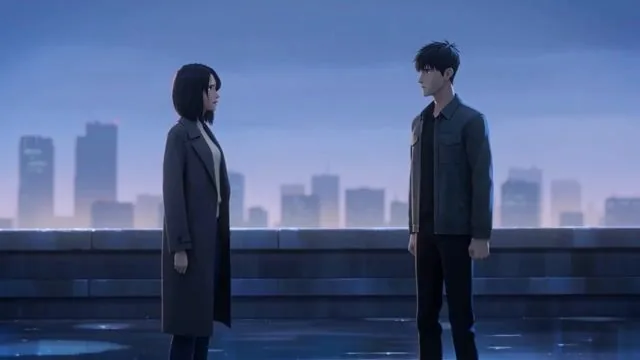
Cinematic Emotional Confrontation Prompt
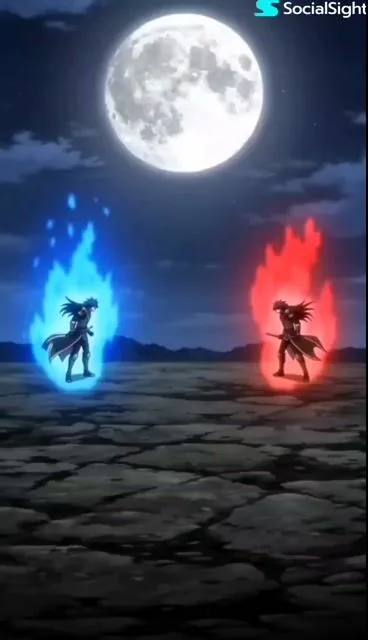
Anime high-energy battle scene
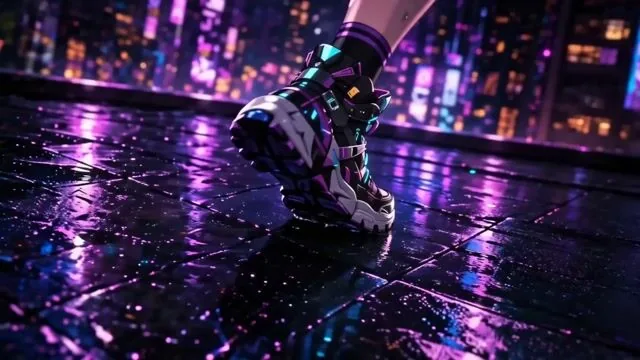
Anime Game Cinematic Animation
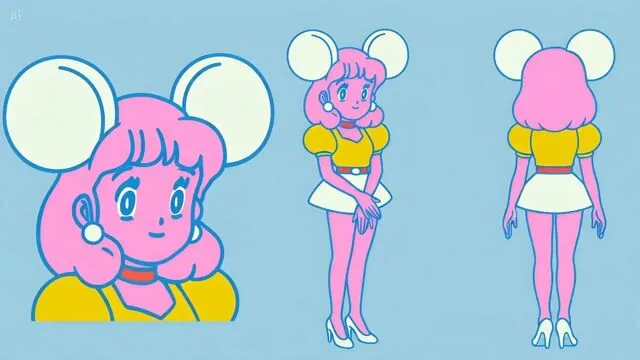
Anime Character Water Slide with Reaction PIP
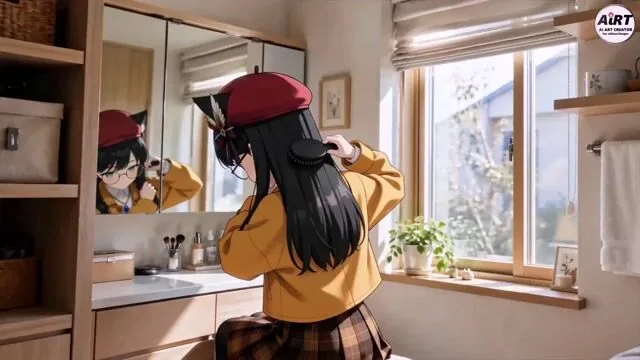
Anime character makeup routine
 Motion Studio
Your Seedance 2.0 Prompts Hub — Cinematic AI Video, Audio Included
Seedance 2.0 generates video and synchronized audio together from a single prompt — no separate audio step needed. This page is your curated library of the best Seedance 2.0 prompts for cinematic motion, character-driven stories, and dynamic action sequences. Browse real video examples, copy any Seedance 2.0 prompt with one click, and generate directly in the Studio.
Why Use This Seedance 2.0 Prompts Page?
From cinematic dialogue scenes to action sequences — find the right Seedance 2.0 prompt and generate in seconds.
Video + Audio from One Prompt
Seedance 2.0 prompts produce video and native audio in a single generation pass. This gallery shows you how to write Seedance 2.0 prompts that shape both the visuals and the sound atmosphere.
Real Video Examples for Every Prompt
Every Seedance 2.0 prompt card on this page links to a real generated video clip you can preview. See the motion quality, camera direction, and pacing before you copy and generate.
One Click from Prompt to Video
Found a Seedance 2.0 prompt that fits your scene? Hit 'Try Prompt' and it pre-fills the video generator instantly — with motion style, duration, and prompt all loaded.
Seedance 2.0 Prompts FAQ
Your questions about Seedance 2.0 prompts — answered.