Transform your art and photos into stunning 4K resolution with our online image upscaler
What is an AI Image Upscaler?
An image upscaler uses deep learning to increase image resolution while rebuilding edges and textures. Unlike basic resizing, our AI technology recovers structure and reduces noise to produce cleaner, professional-grade results. This image upscaler is the best way to upscale images.
AI Image Upscaler
Our image upscaler helps you enhance anime art, illustrations, and photos. Increase resolution to 4K, sharpen soft details, and reduce noise in seconds. Perfect for creators needing a high-quality image upscaler.
Click or Drag to Upload
 Professional AI Image Upscaler for Crystal Clear High-Resolution Results
What is an AI Image Upscaler?
An image upscaler uses deep learning to increase image resolution while rebuilding edges and textures. Unlike basic resizing, our AI technology recovers structure and reduces noise to produce cleaner, professional-grade results. This image upscaler is the best way to upscale images.
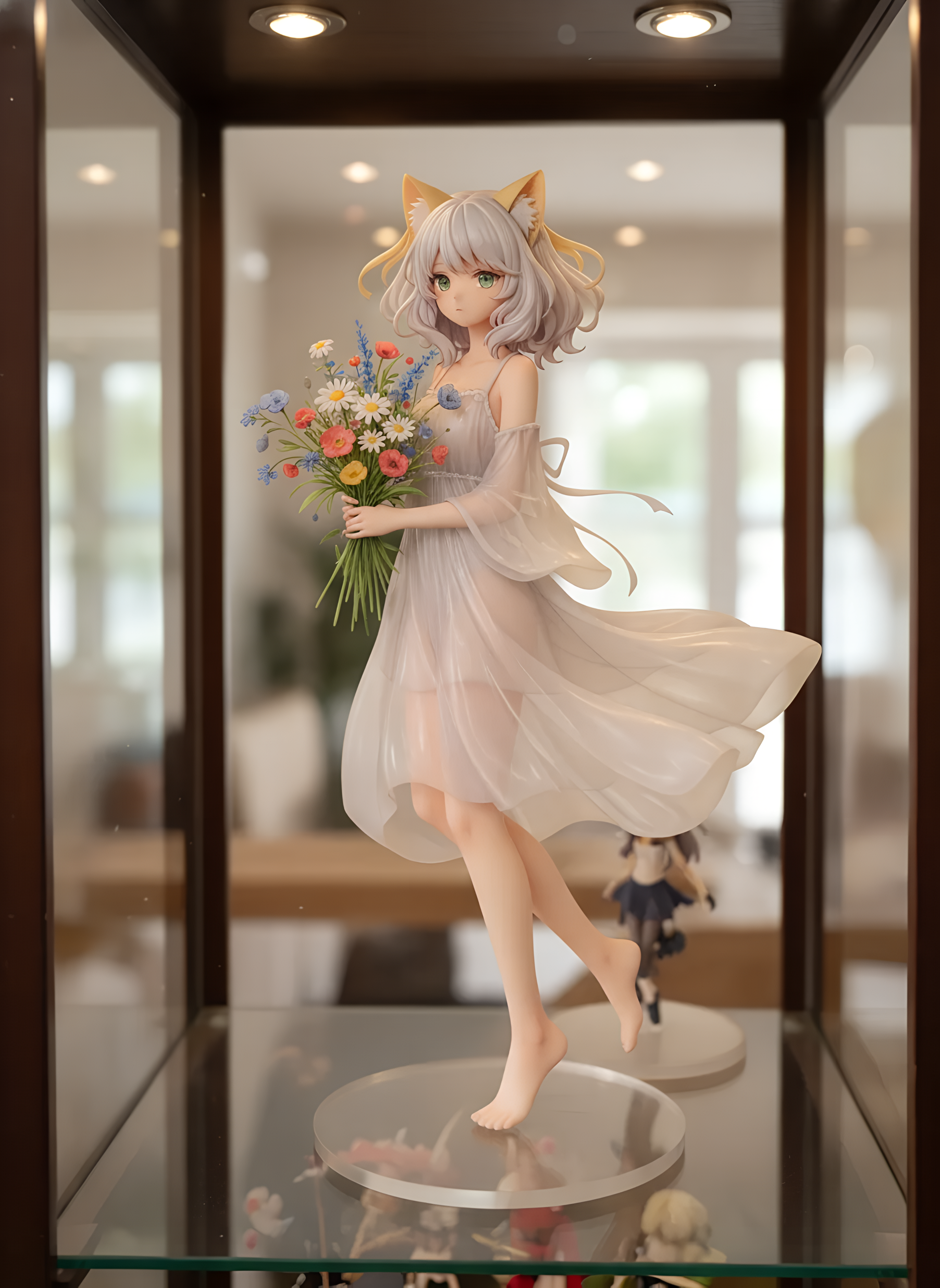
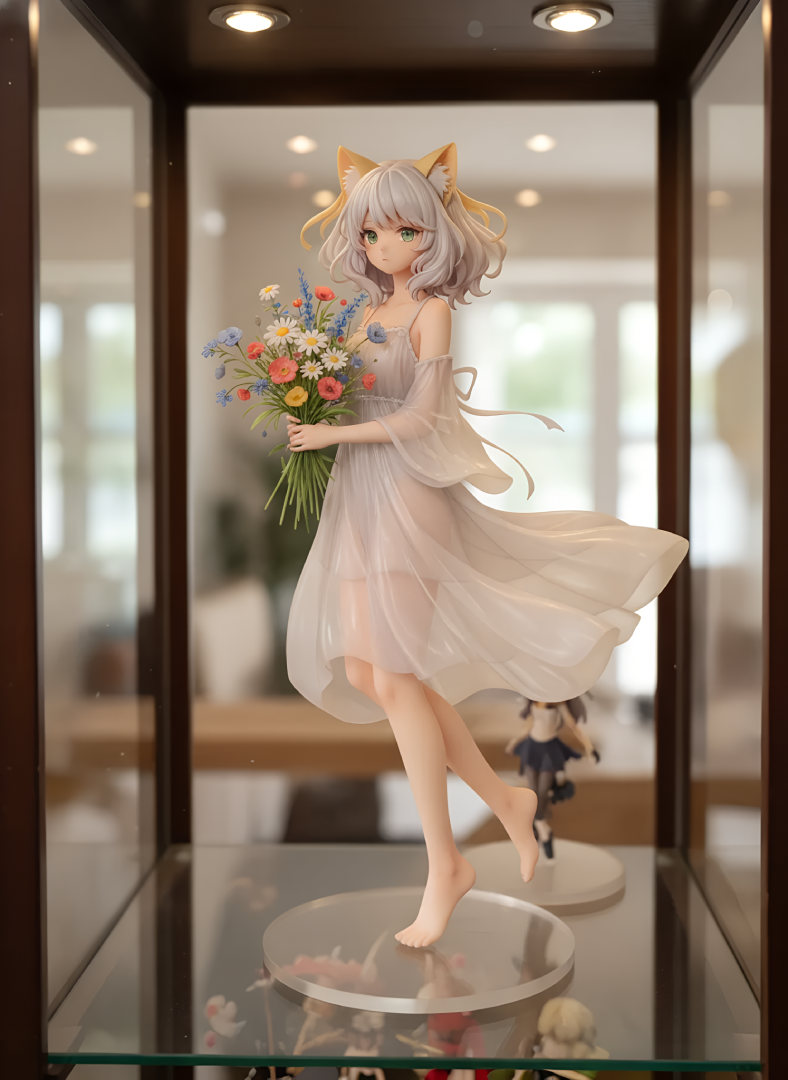
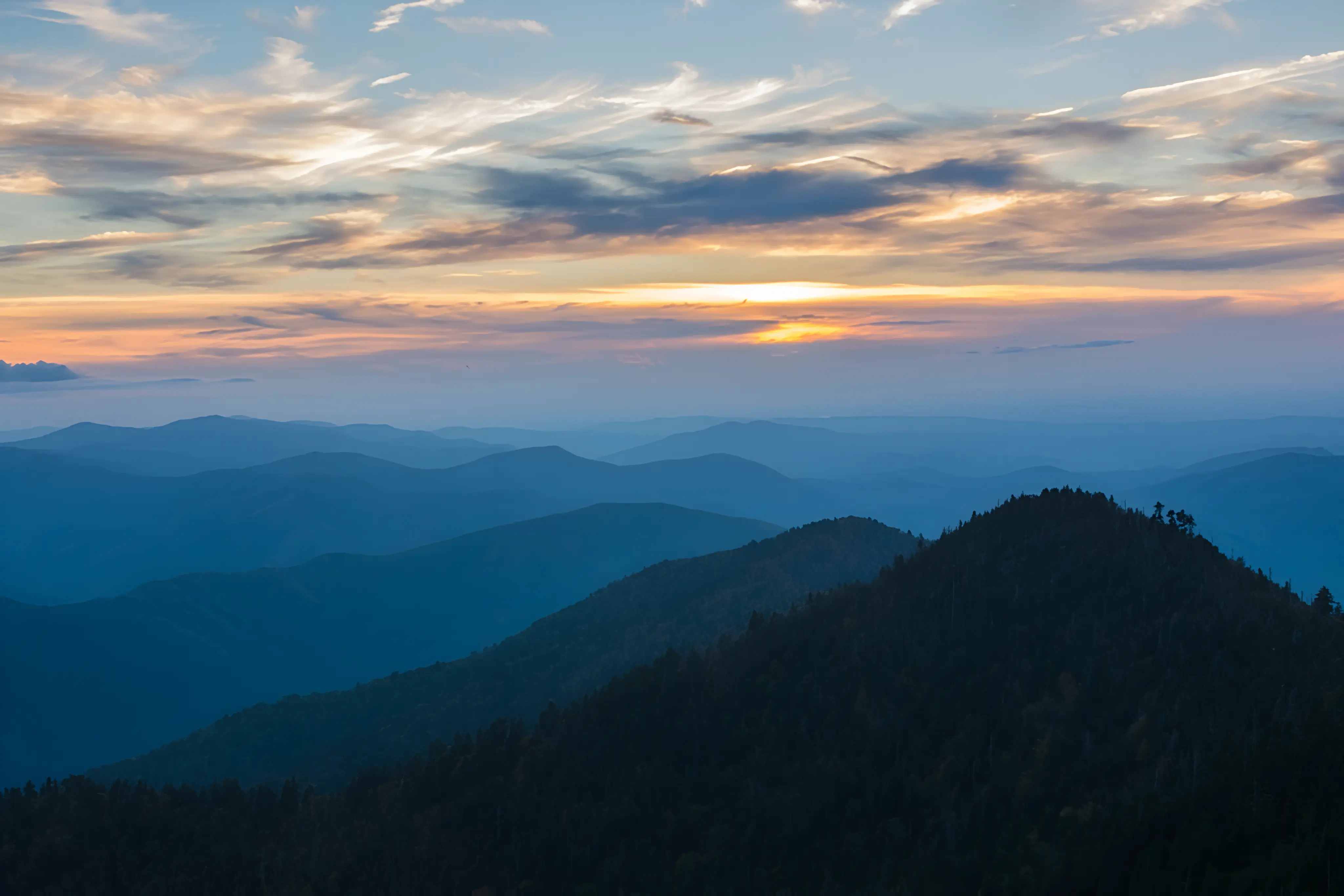
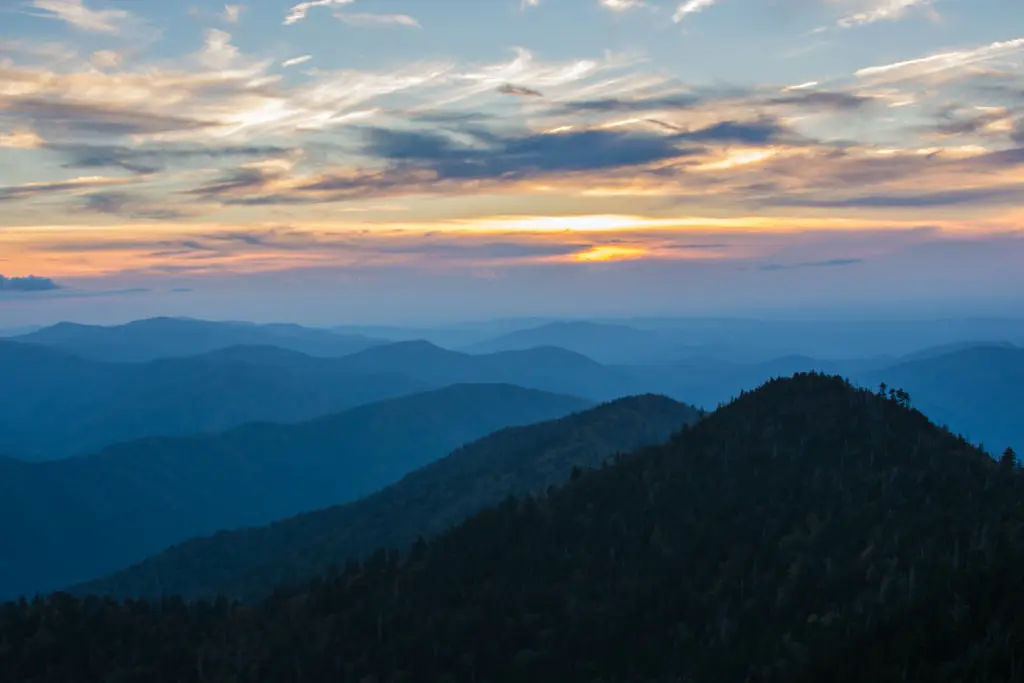
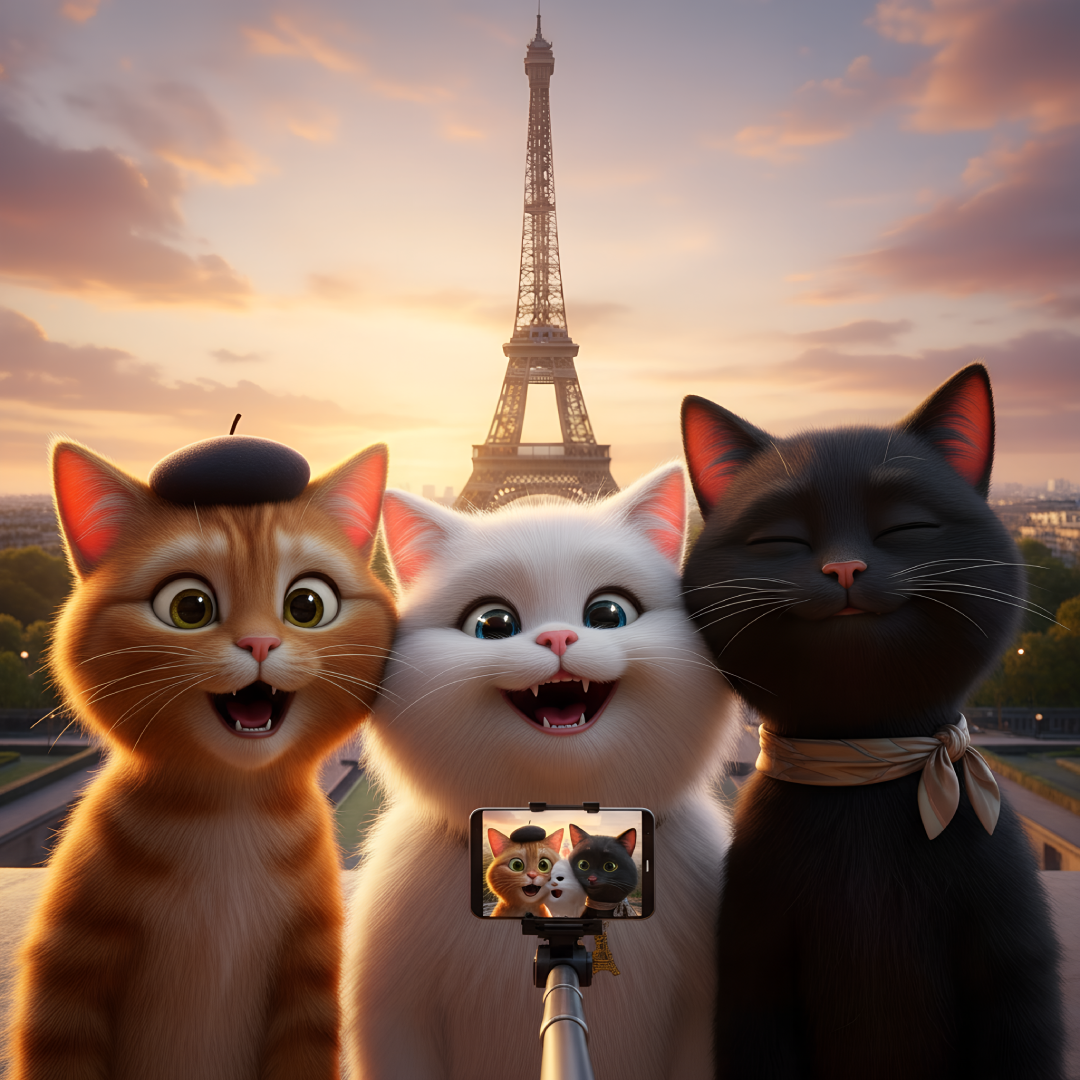
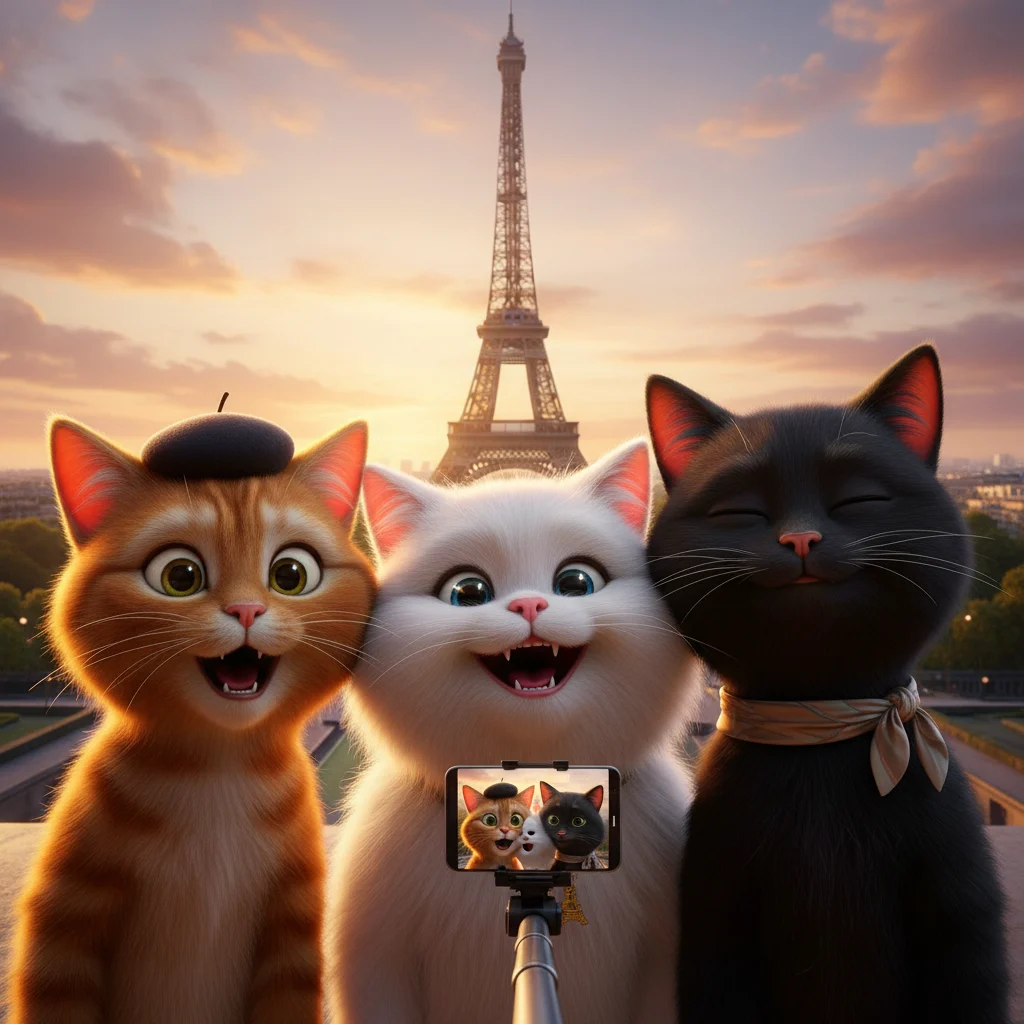
Why Choose Our Image Upscaler?
Image Upscaler to 4K Resolution
Expand your images to 4K with our image upscaler. Perfect for professional printing and high-res displays.
Sharpen Fine Details
Our image upscaler tool restores lines and textures, making blurry or pixelated areas look crisp and defined.
Smart Noise Reduction
Remove compression artifacts automatically using our image upscaler to ensure a smoother, cleaner final result.
Style & Color Preservation
Upscale anime art with this image upscaler while keeping original style. Our technology maintains color balance.
Fast Online Image Upscaler
Process images in seconds with our online image upscaler directly in your browser without any software installation.
Image Upscaler for Anime & AI Art
This image upscaler is specially tuned for anime-style illustrations, character portraits, and AI-generated content.
How to Use the Image Upscaler
1. Upload or Select
Upload a file from your device or pick one from your gallery for the image upscaler.
2. Run the AI Processing
Click upscale and let our image upscaler system enhance your image's resolution and clarity.
3. Preview & Download
Check the results with our image upscaler before/after slider and download your high-res image.


Image Upscaler FAQ
What is the difference between resizing and image upscaler tech?
How many credits does it cost?
What file formats does the image upscaler support?
Can I use the image upscaler for photos?
What is the maximum output of the image upscaler?
Will the image upscaler change my style?
Ready to give your art a 4K boost?
Use this image upscaler to upscale images, recover fine details, and export sharper results with one click.