The Ultimate Guide to AnividAI: Your All-in-One AI Anime Studio for Creating OCs, Art, and Videos
What is AnividAI?
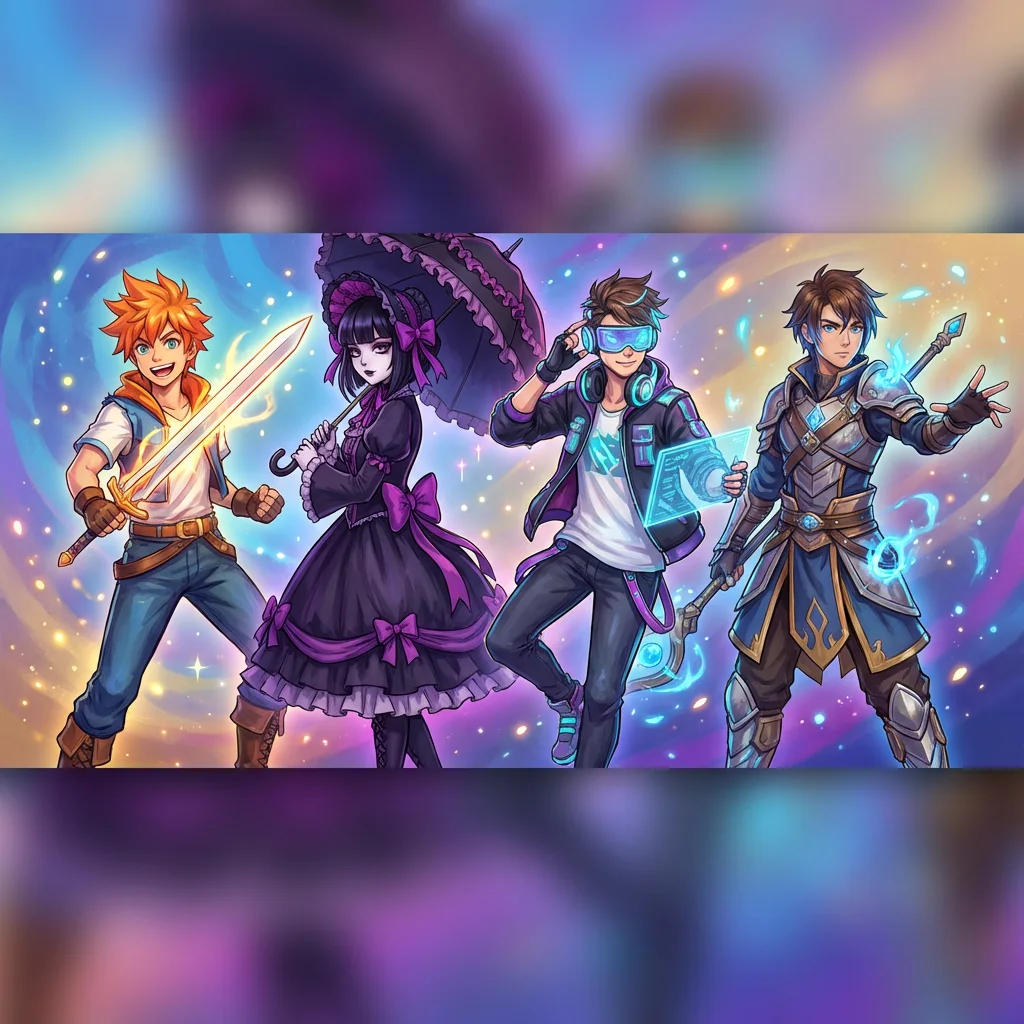
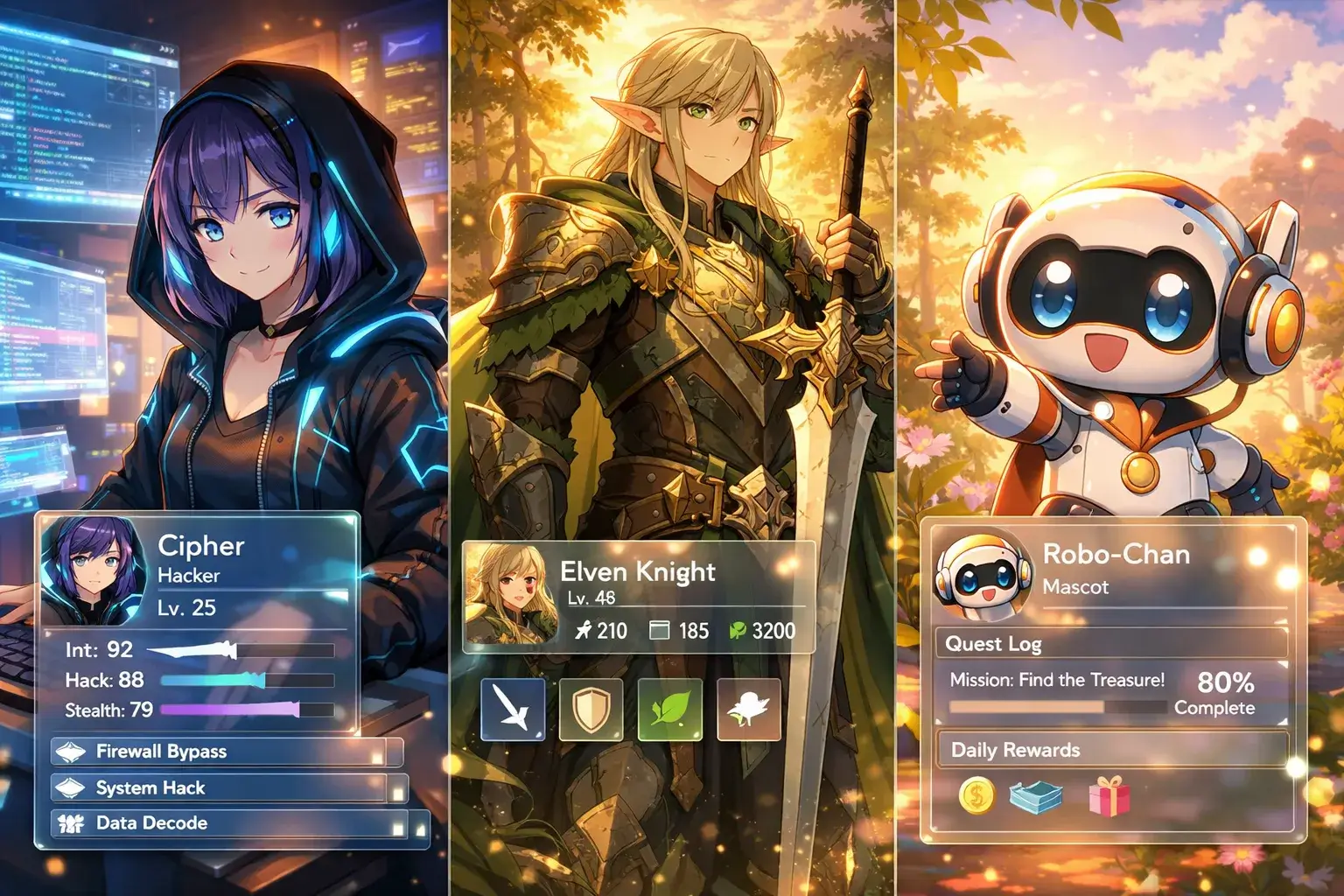
Imagine creating your own anime character and seeing them come to life in stunning artworks, animated videos, and interactive stories. AnividAI is an all-in-one AI-powered anime studio that puts original characters (OCs) and storytelling at the center of your creative workflow.
Whether you're an anime fan wanting to bring your character ideas to life, a content creator building unique IPs, or a storyteller seeking visual inspiration, AnividAI provides the complete toolkit—from character design to image generation, video creation, and narrative production.
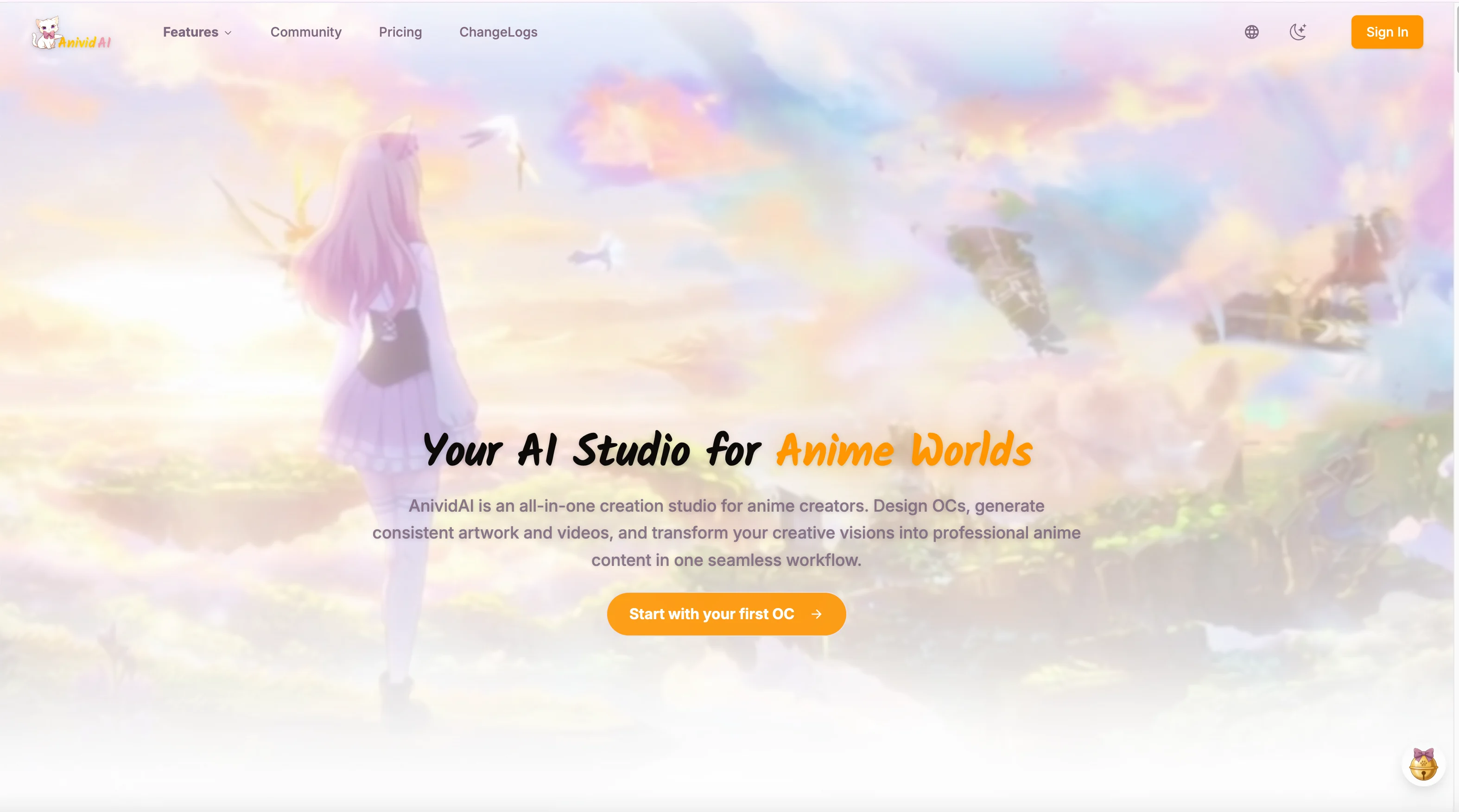
In short: Your AI Studio for Anime Worlds—create once, generate everywhere.
Why AnividAI? Mission & Philosophy
Our Mission
Make everyone an anime creator—powered by AI.
AnividAI breaks down the barriers of traditional anime creation, letting anyone with an idea create professional-quality anime art, characters, and videos through simple text prompts and intuitive tools.
Who is AnividAI For?
- Anime Fans & OC Enthusiasts: Create and visualize your original characters.
- Content Creators: Build unique anime IPs for social media and streaming.
- Writers & Storytellers: Transform ideas into visual stories, manga, or PVs.
- Independent Creators: Efficiently produce high-quality anime assets with consistent characters.
Core Design Principles
- Character-Centric: Your OC is the anchor—use it consistently across all creation tools.
- Unified Workflow: No platform switching—seamlessly move from character design to art, video, and stories.
- Consistency by Design: Maintain visual and narrative consistency across different media.
- Community-Driven: Share, discover, and grow with fellow creators in a dedicated anime ecosystem.
Complete Feature Guide
🎭 OC Maker – Create Your Original Character
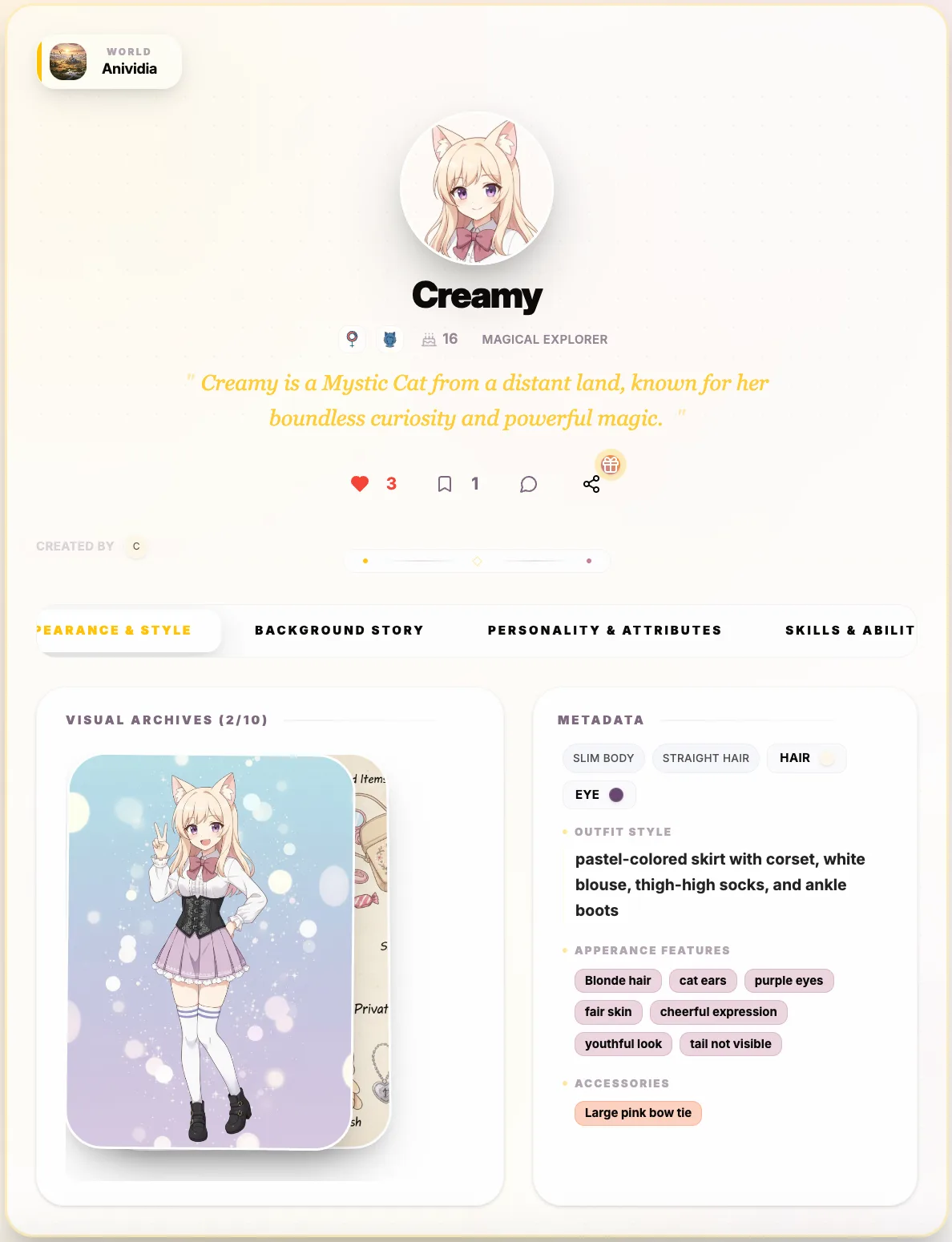
Generate complete anime characters with appearance, personality, and backstory in minutes.
The OC Maker is AnividAI's core feature—your character serves as a consistent anchor across all other generation tools.
Key Capabilities:
- One-Click Generation: Describe your character, and AI generates a complete profile.
- Smart Visualization: Auto-generate avatar portraits and full-body illustrations.
- Character Consistency: Your OC's unique features are preserved across all tools.
- Management Hub: View, edit, and organize all your characters in one place.
🎨 AI Anime Image Generator
Transform text prompts into professional anime-style artwork with advanced AI models.
Our image generator is optimized for ACGN styles, supporting everything from Ghibli-inspired art to modern game CG.
Key Features:
- OC Integration: Use your created characters directly in image generation to maintain consistency.
- Style & Scene Presets: Choose from diverse art styles (watercolor, 3D, oil painting) and environments.
- Aspect Ratio Control: Perfect for avatars, social media posts, or cinematic wallpapers.
- Reference Image Support: Guide the AI with your own sketches or reference photos.
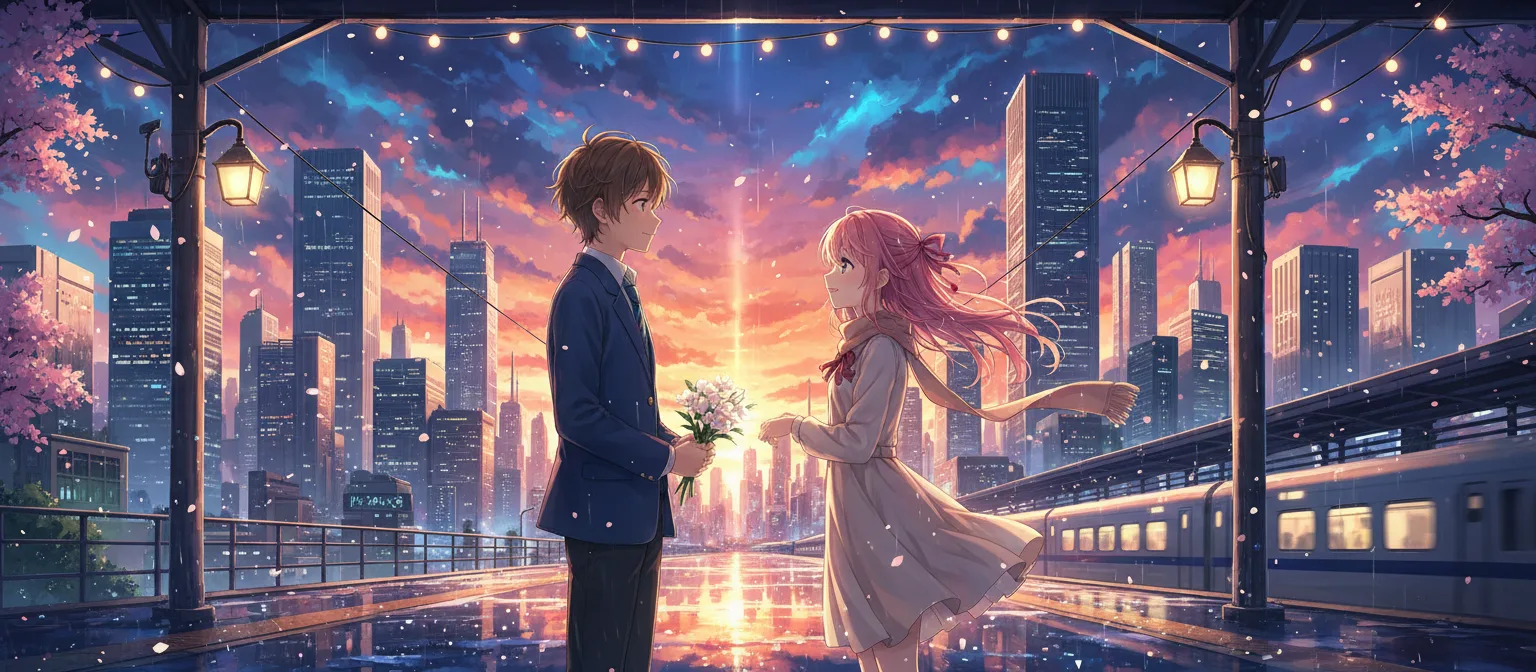
🎬 AI Anime Video Generator
Bring static images to life with cinematic anime videos powered by cutting-edge AI.
Transform your characters and scenes into animated clips with professional camera effects and consistent motion.
Key Features:
- Text-to-Video & Image-to-Video: Animate from a prompt or a specific artwork.
- Cinematic Controls: Apply pan, tilt, zoom, and other camera movements.
- Character Motion Consistency: Keep your OCs recognizable even in complex animations.
📖 AI Story Generator
Turn your ideas into complete anime stories with AI-powered narration and visual consistency.
The Story Generator bridges the gap between single assets and full productions, allowing you to build structured narratives around your characters.
Key Features:
- Idea to Narrative: Expand a simple concept into a structured story with chapters and scenes.
- World & Genre Alignment: Choose world settings and genres (Fantasy, Sci-Fi, Slice of Life) to set the tone.
- Multi-Modal Production: Automatically generate illustrations or video clips for key story beats.
- Professional Presentation: Create shareable story pages that feel like interactive web novels.
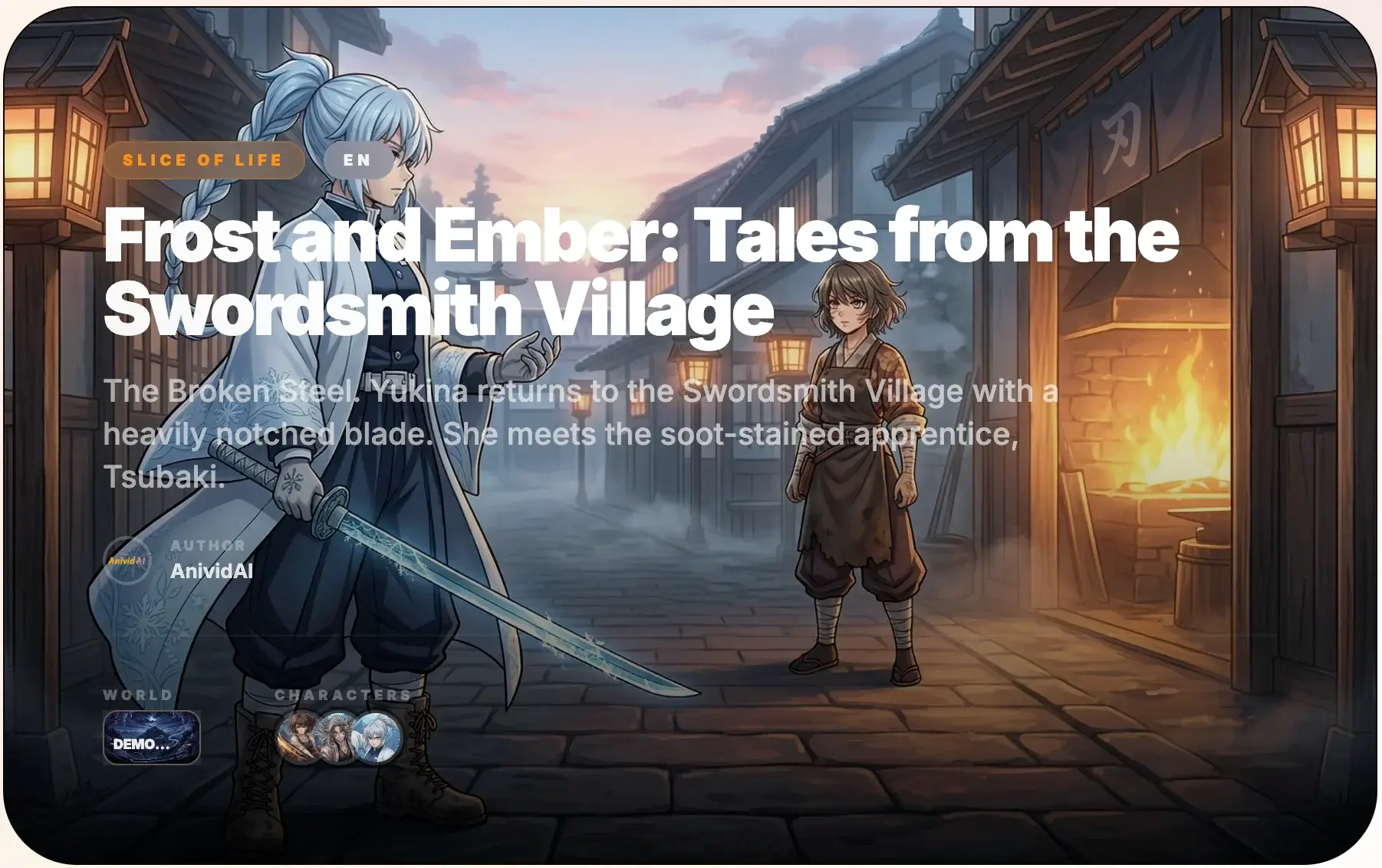
💬 Chat with OC
Have real conversations with your anime characters—experience immersive roleplay.
Bring your characters to life through AI-powered conversations that match their unique personality and backstory.
Key Features:
- Personality-Driven Responses: Replies reflect your OC's specific traits and history.
- Interactive Storytelling: Develop your character's lore through direct dialogue.
- Private & Public Sessions: Chat with your own OCs or discover characters created by the community.
🎯 Studio Apps – Creative Tools Suite
Transform your OCs into fun products and diverse creative formats.
- AI Action Figure Generator: Create "collectible" 3D-style figures and packaging for your characters.
- AI Sticker Generator: Turn your OCs into cute chibi stickers or emojis for social media.
AnividAI Workflow: From Idea to Content
AnividAI is designed as a unified pipeline where assets flow seamlessly between tools.
┌─────────────────────────────────────────────────────────────┐
│                    1. CHARACTER DESIGN                       │
│           Define your OC's look and personality              │
│                    (OC Maker)                                │
└─────────────────────────────────────────────────────────────┘
                              │
                              ▼
┌─────────────────────────────────────────────────────────────┐
│                    2. NARRATIVE & WORLD                      │
│           Build the story and set the atmosphere             │
│              (Story Generator & Worlds)                      │
└─────────────────────────────────────────────────────────────┘
                              │
                              ▼
┌─────────────────────────────────────────────────────────────┐
│                    3. VISUAL PRODUCTION                      │
│           Generate consistent art and animations             │
│           (Image Generator & Video Generator)                │
└─────────────────────────────────────────────────────────────┘
                              │
                              ▼
┌─────────────────────────────────────────────────────────────┐
│                    4. SHARE & PUBLISH                        │
│           Showcase your anime world to the community         │
│                    (Community Hub)                           │
└─────────────────────────────────────────────────────────────┘
Why Choose AnividAI?
| Feature | AnividAI | Other AI Tools |
|---|---|---|
| Character-Centric | ✅ OCs work across ALL tools | ❌ Fragmented workflows |
| Anime Specialized | ✅ Deep ACGN style optimization | ❌ Generic generic models |
| Unified Pipeline | ✅ From character to story to video | ❌ Single-purpose tools |
| Consistency | ✅ Native character & style anchor | ❌ High "randomness" |
Data, Privacy & Safety
- Full Ownership: You own the copyright to the content you create on AnividAI.
- Privacy Controls: Easily toggle between private and public visibility for your creations.
- Safety First: We use advanced filtering to ensure a safe, welcoming environment for all anime fans.
Conclusion
AnividAI is more than just a generator—it's a complete AI Anime Studio designed to empower your imagination. By putting your characters and stories at the center, we provide the most cohesive and powerful workflow for anime creation today.
Start building your anime world today.
Last Updated: April 2026
Read More
Multi-OC Creation Guide: How to Keep Characters Consistent in AI Anime Videos
Learn how to create anime videos with multiple original characters on AnividAI. This guide covers the current reference-first workflow, direct OC selection, keyframe-to-video generation, and an upcoming preview of Kling-o1 native character integration.
Read More
AI Anime Video Generator: A Beginner's Complete Guide
Learn how AnividAI's AI Anime Video Generator helps you turn static illustrations into dynamic anime masterpieces, seamlessly leveraging Character Studio OCs, multi-shot modes, and high-fidelity video models.
Read More